

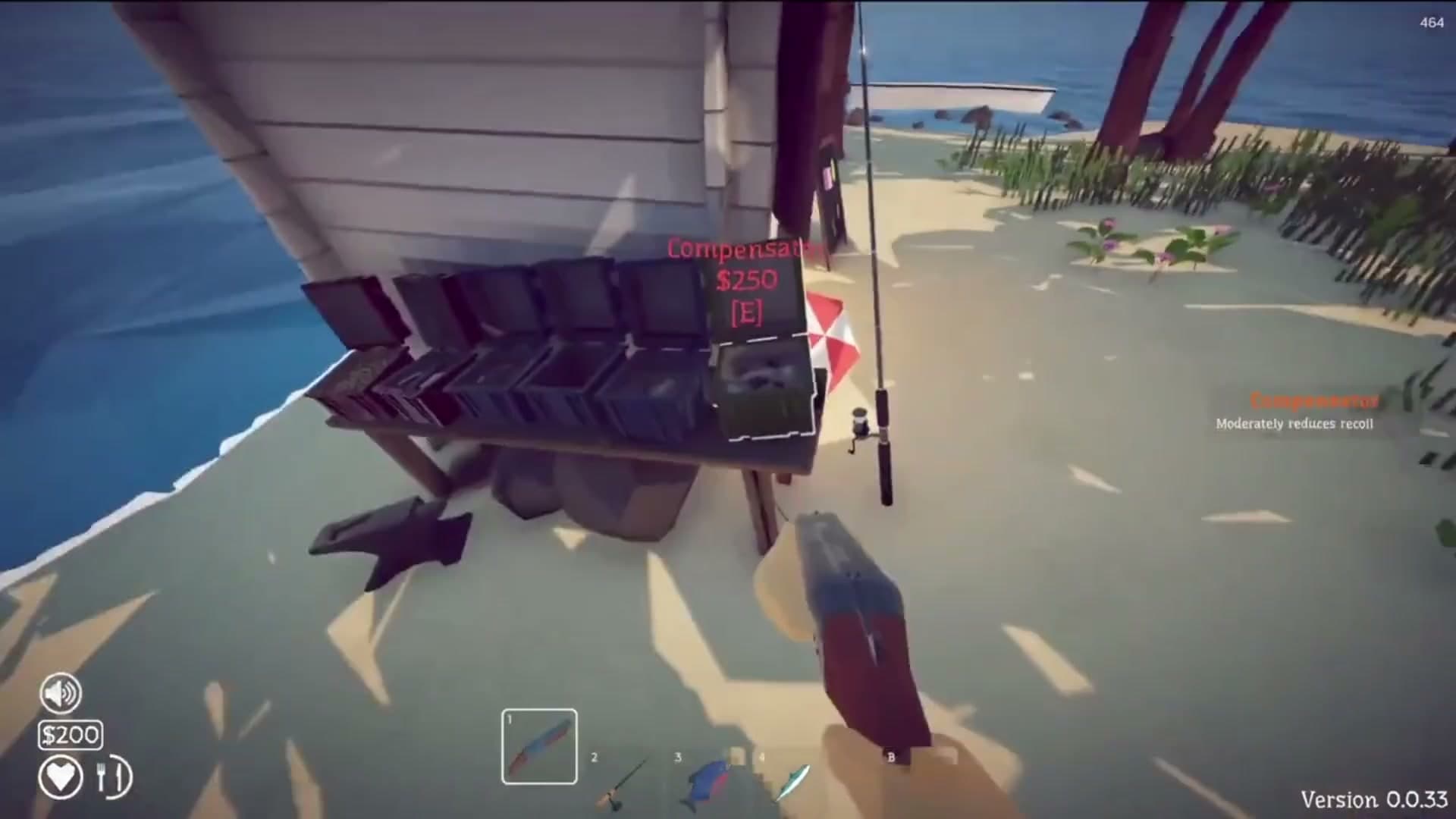
Keep Inventory
Keeps held items and inventory after death, reducing the risk of equipment being thrown into the sea or lost during a boss fight.
Read internal mod guideUnofficial community mod directory for the Steam game
Looking for a How to Fish mod? Current community releases cover inventory, crosshairs, bigger lobbies, progression tools, and cheat utilities. Match every download with its required loader and game build before installing it.
Checked September 2, 2026
Read the guide before downloading
Each card opens a complete guide on this site with requirements, compatibility notes, installation steps, multiplayer impact, and removal advice. The original author page remains available inside each guide as the source and download location.
Keeps held items and inventory after death, reducing the risk of equipment being thrown into the sea or lost during a boss fight.
Read internal mod guide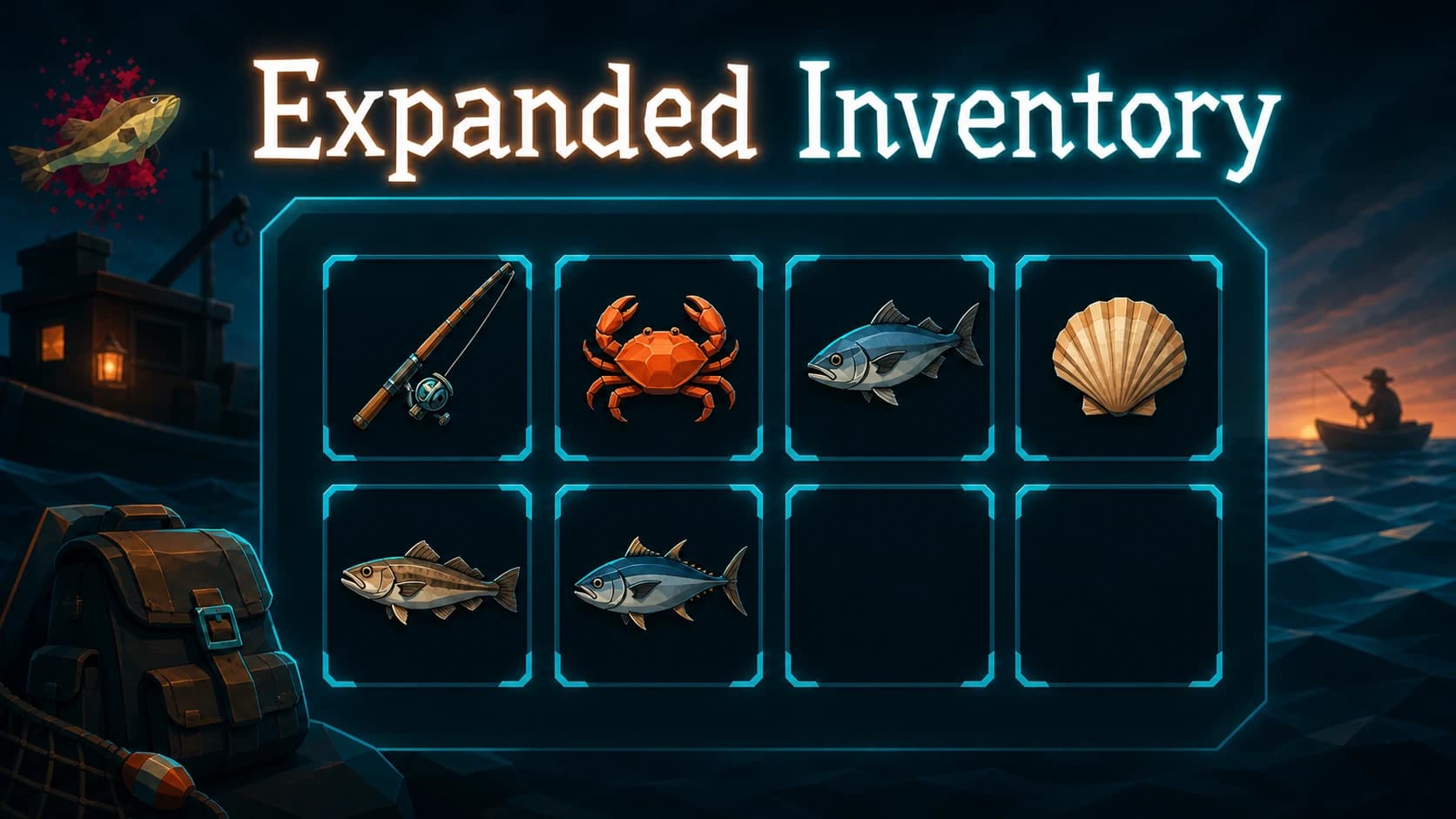
Adds a larger hotbar, backpack controls, item actions, and optional selling tools. Protect quest items before testing automation.
Read internal mod guide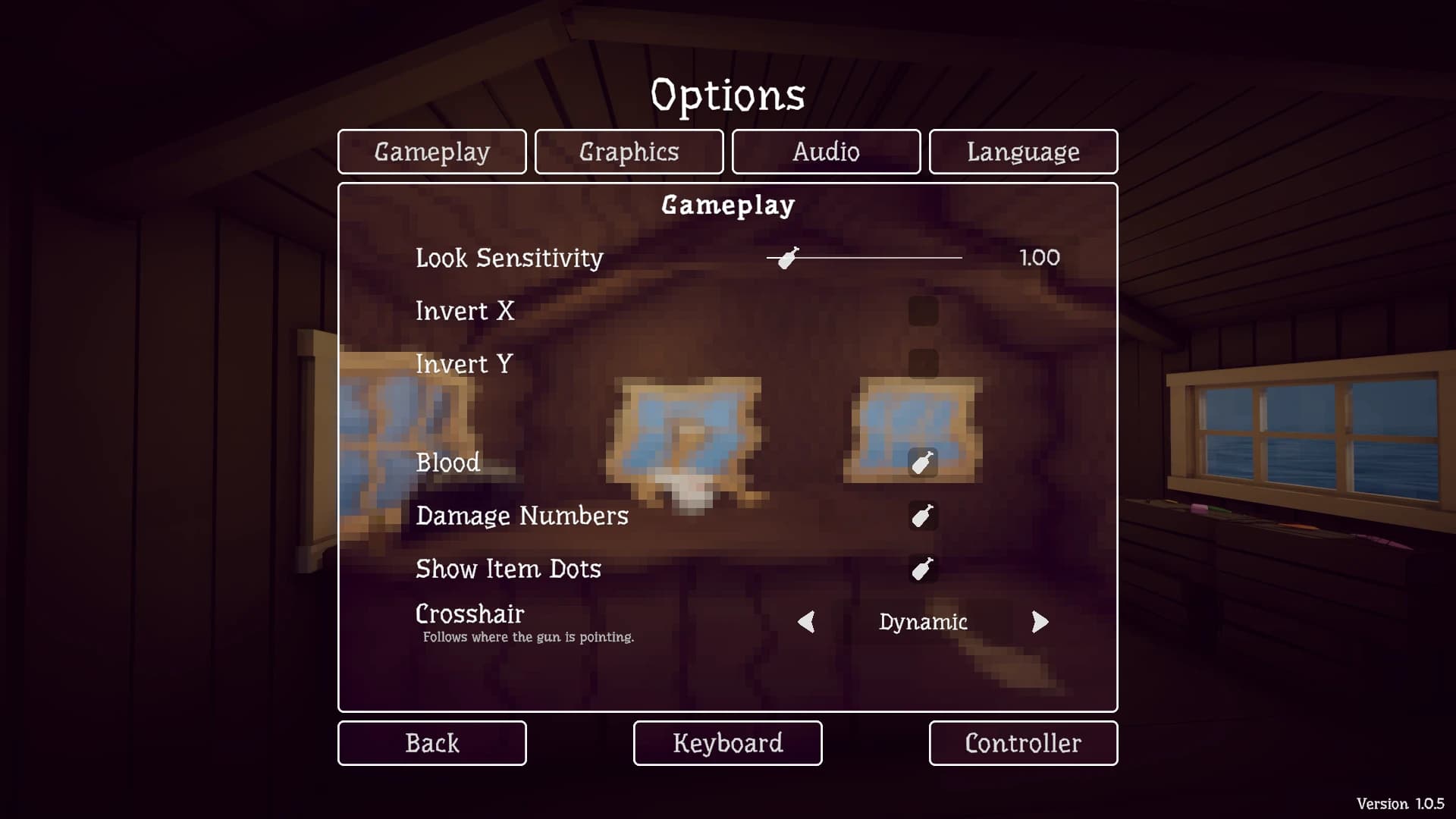
Adds fixed and dynamic crosshair modes that follow weapon aim. Its Nexus page lists game and loader versions separately.
Read internal mod guide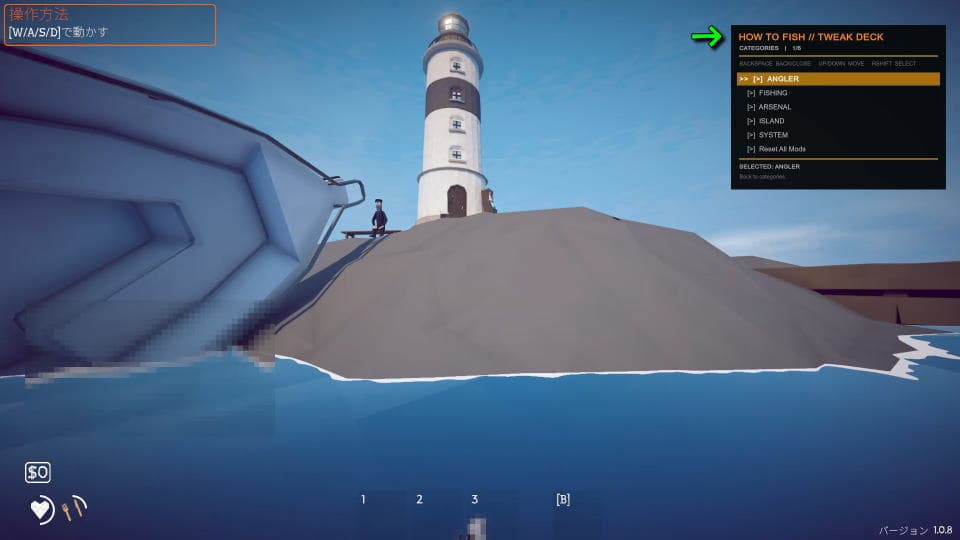
Provides money, teleport, weapon, fishing, and other cheat controls. Keep it on a disposable solo save, not a public lobby.
Read internal mod guide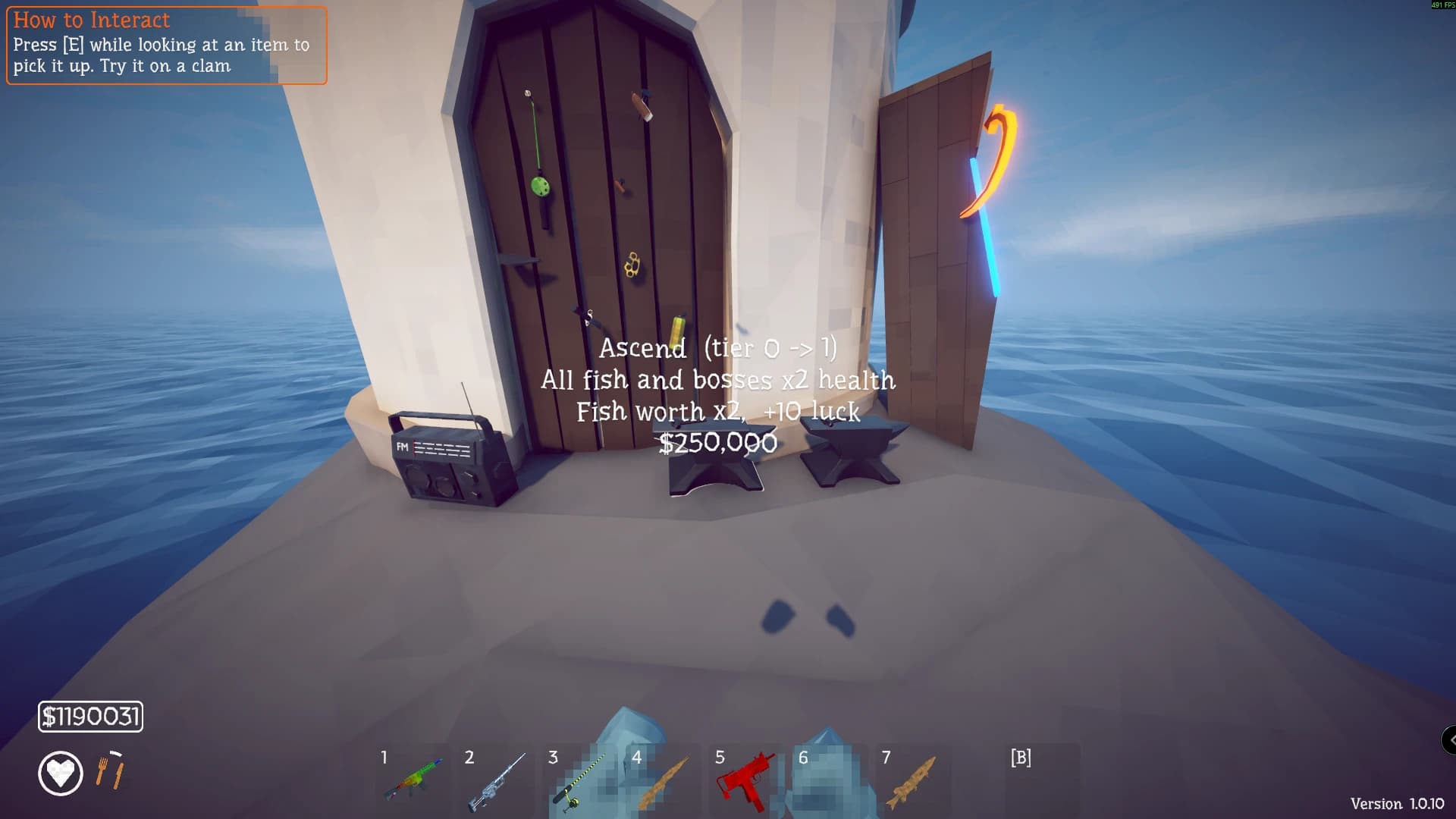
Adds stats, locator tools, extra stands, luck, Ascension, and inventory changes. Test its economy changes away from a completed save.
Read internal mod guide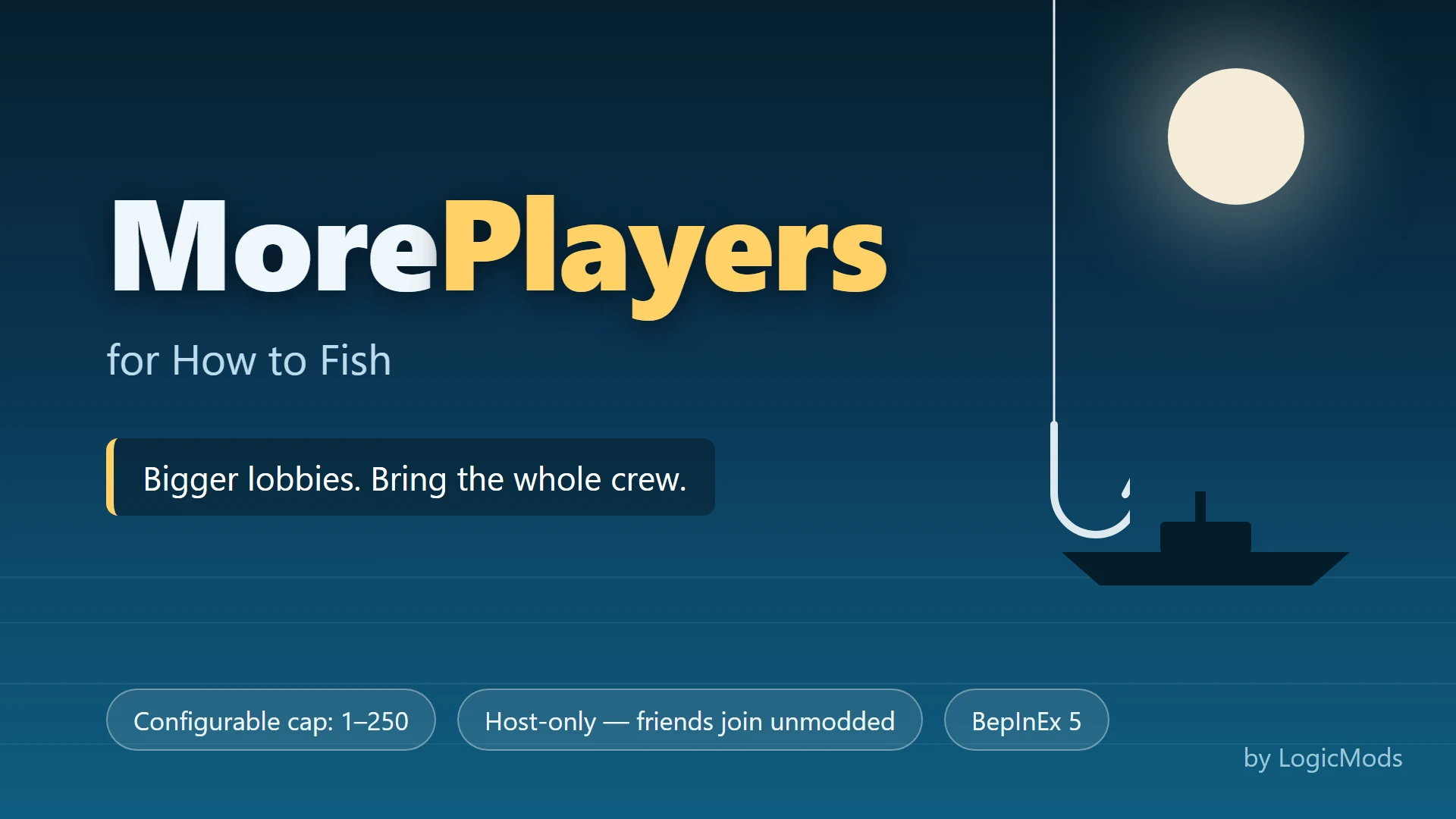
Lets the host configure a lobby above the official eight-player limit. Large groups can add lag and multiplayer instability.
Read internal mod guide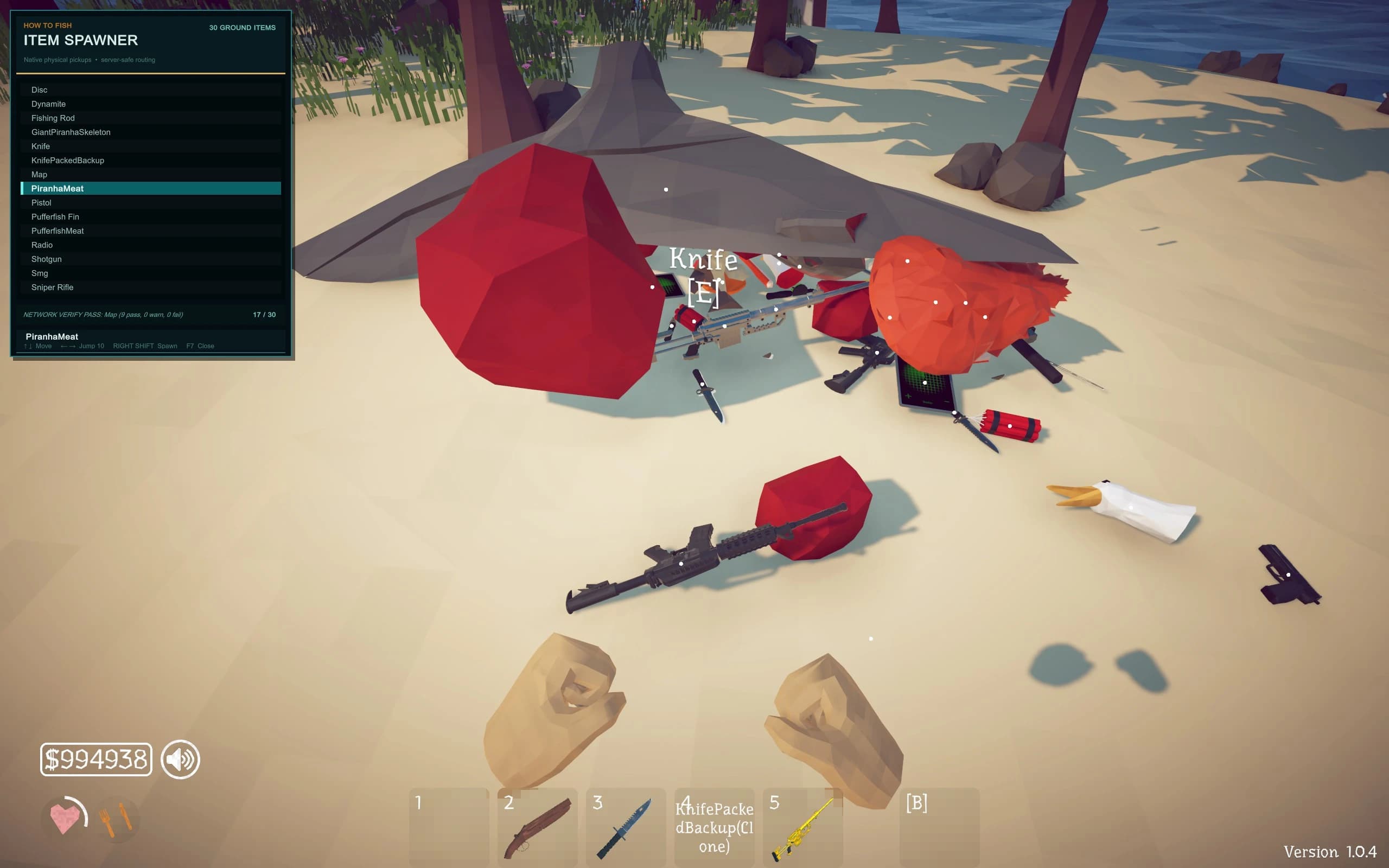
Spawns items, fish, weapons, and creatures for testing or shortcuts. It can bypass progression and affect a hosted session.
Read internal mod guide
Installs, inspects, updates, disables, and groups packages for two loaders. Review the current scan and source notes before running it.
Read internal mod guideOne loader, one mod, one test at a time
A mod page decides which loader and folder it needs. Do not mix BepInEx and MelonLoader packages because their names look similar, and do not test a new setup on the only copy of a completed save.
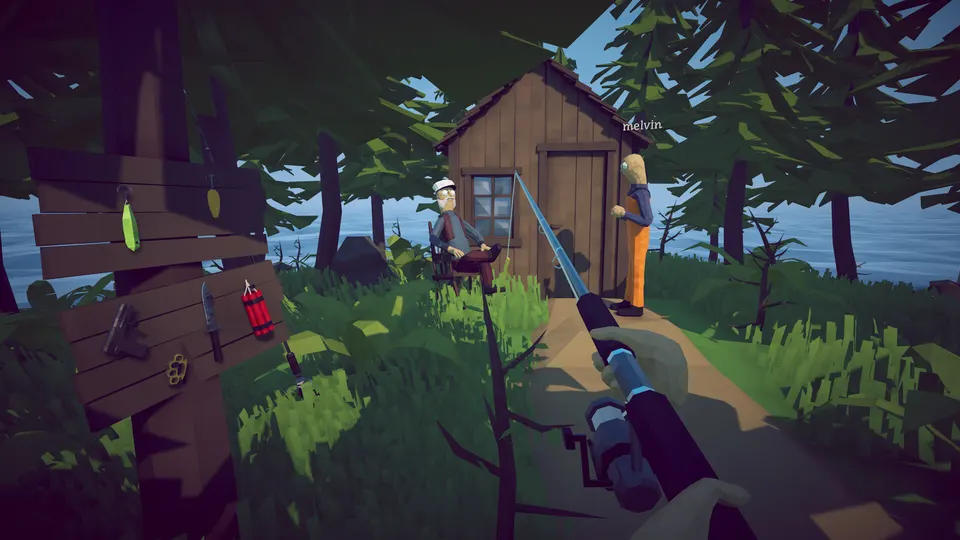
Choose the loader first
BepInEx/plugins. Match the required BepInEx generation and dependencies.Mods folder after MelonLoader completes setup.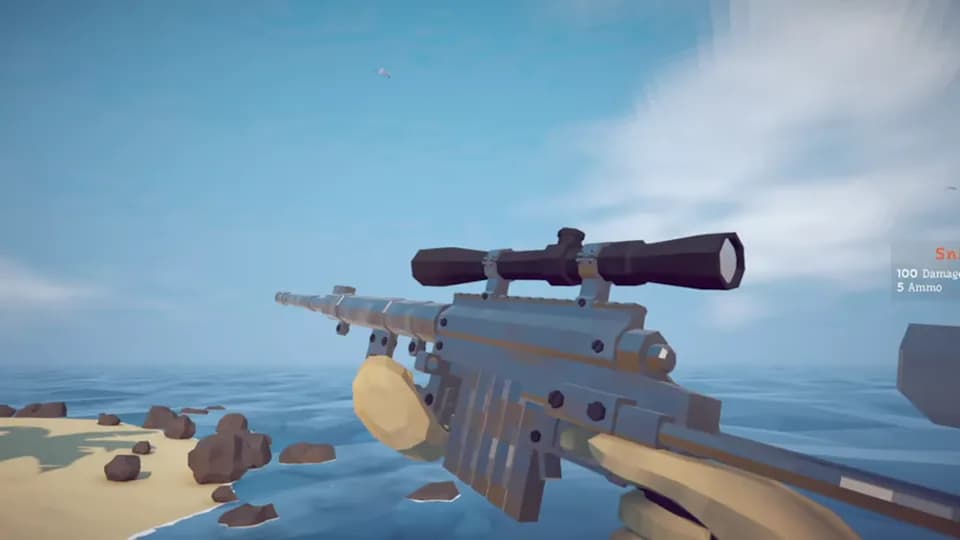
Safe setup route
After every official update, disable third-party packages and confirm the clean game starts first. In co-op, the host and clients may need matching game, loader, mod, and configuration versions.
Read the full patch history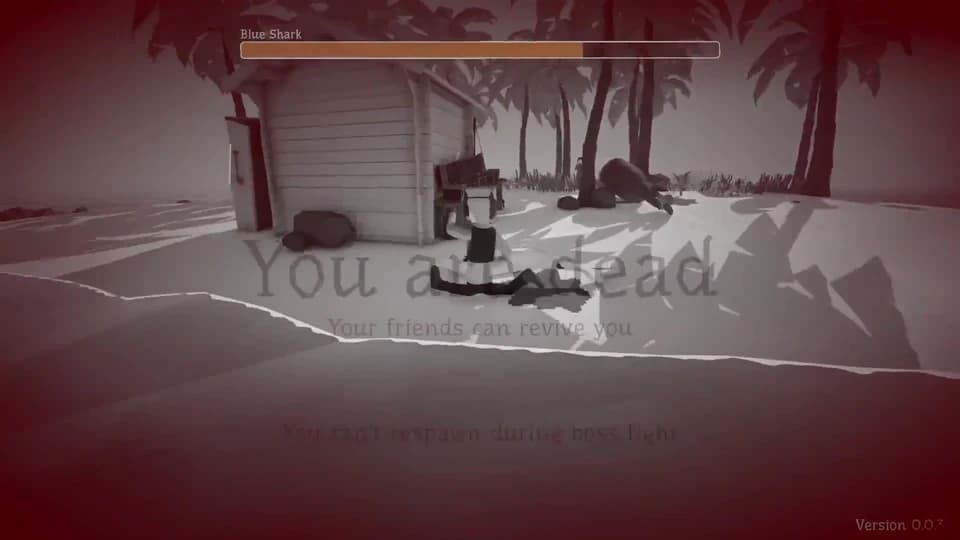
Return to a clean launch
Start with the last change. Disable the newest package, launch with the loader but no plugins, and then test the unmodified game. Steam file verification repairs game files; it does not guarantee that a damaged save will recover.
Leave the mod folder and solve the game
Use the main wiki for island progression, bosses, achievements, multiplayer fixes, and official changes. These pages cover the base game rather than repeating the mod directory.
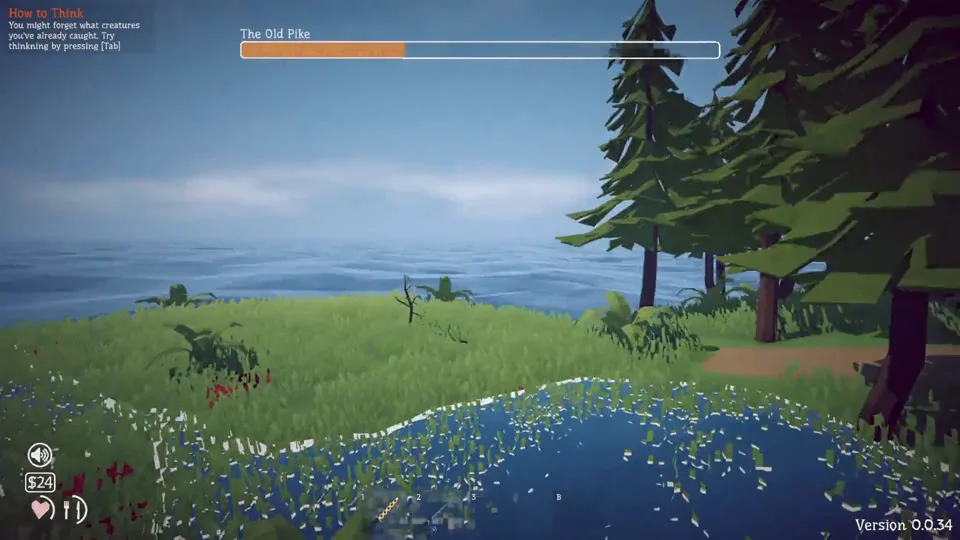
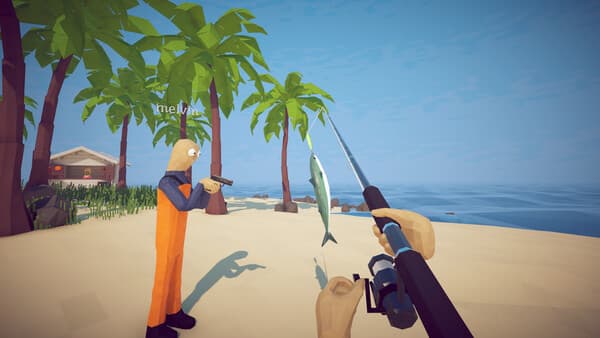
Catch, sell, buy the Knife, beat the Spider Crab, and finish the first hand-in.
Open section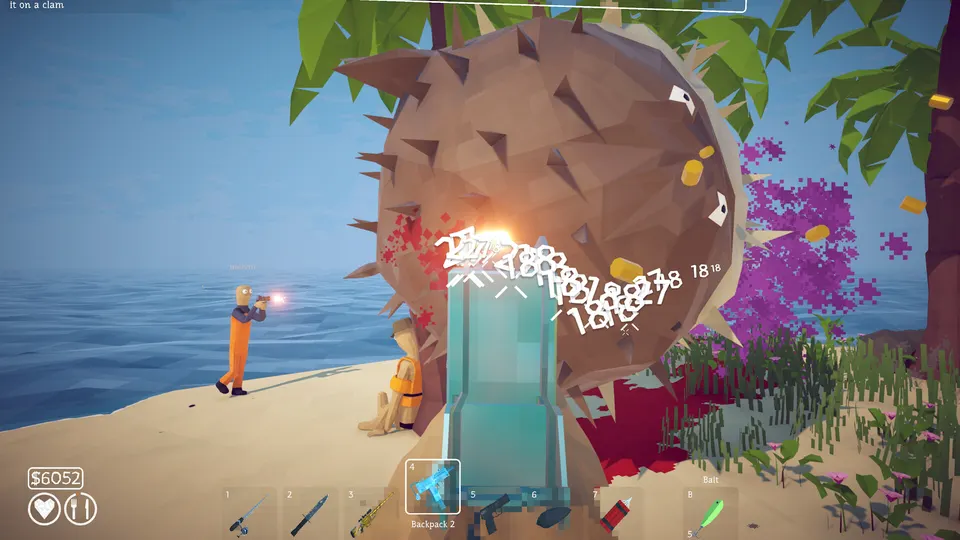
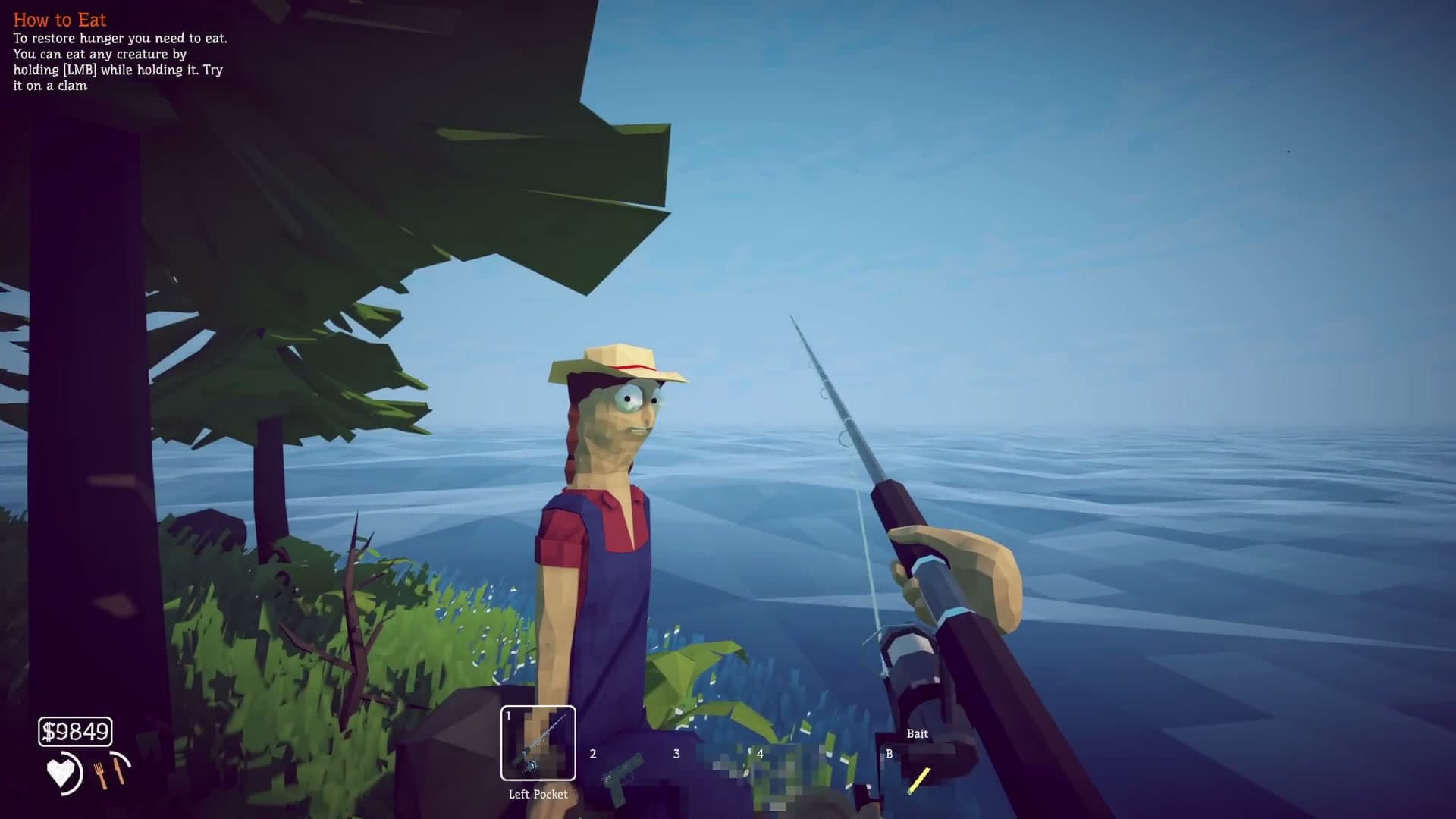
Check player limits, join failures, crossplay, and dedicated-server status.
Open section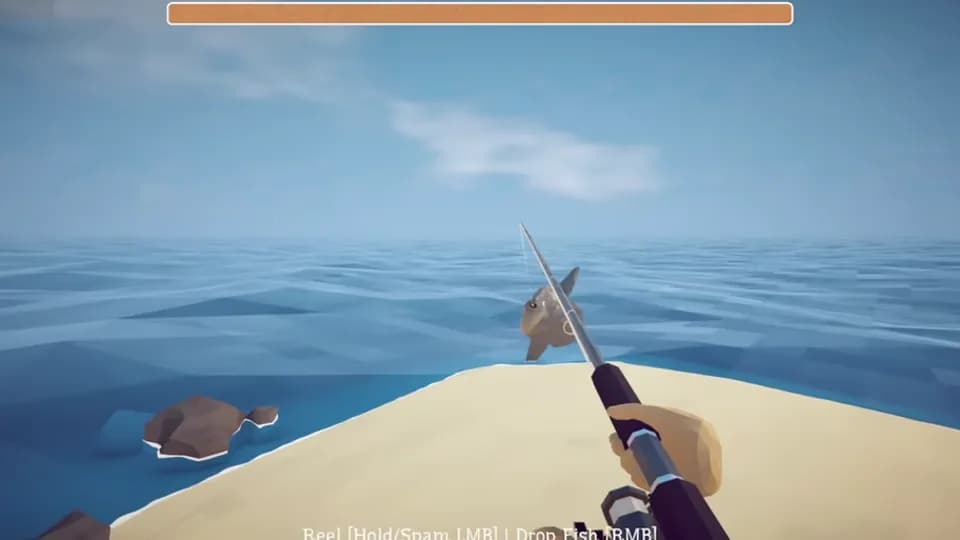
See the unmodified game first
The official Dazed Games trailer is the clean reference for the game's fishing, islands, combat, and co-op behavior before any third-party change is added.
Base-game routes and common blockers
These illustrated guides cover progression and troubleshooting that a mod may not solve.
Follow the first How to Fish island in the right order, from your first catch and Knife to the Spider Crab, Radar, key, and boat departure.
Open article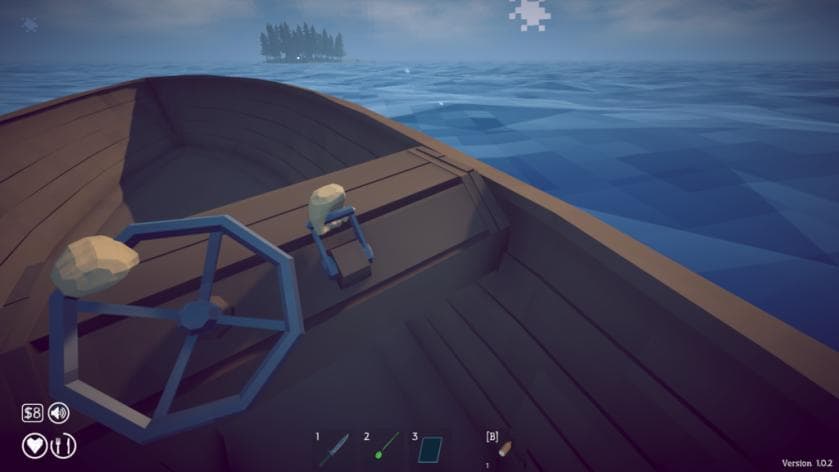
Plan a How to Fish Bean achievement run with island checkpoints, essential purchases, boss preparation, and reset decisions for finishing in under one hour.
Open article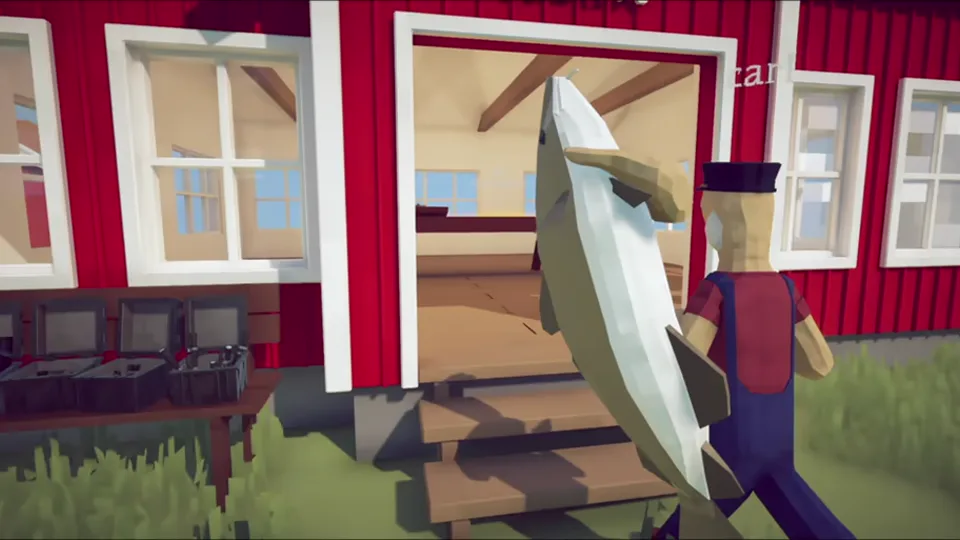
Compare How to Fish Easy, Normal, and Hard modes, including exact creature health and damage modifiers and what the official patch notes leave unknown.
Open article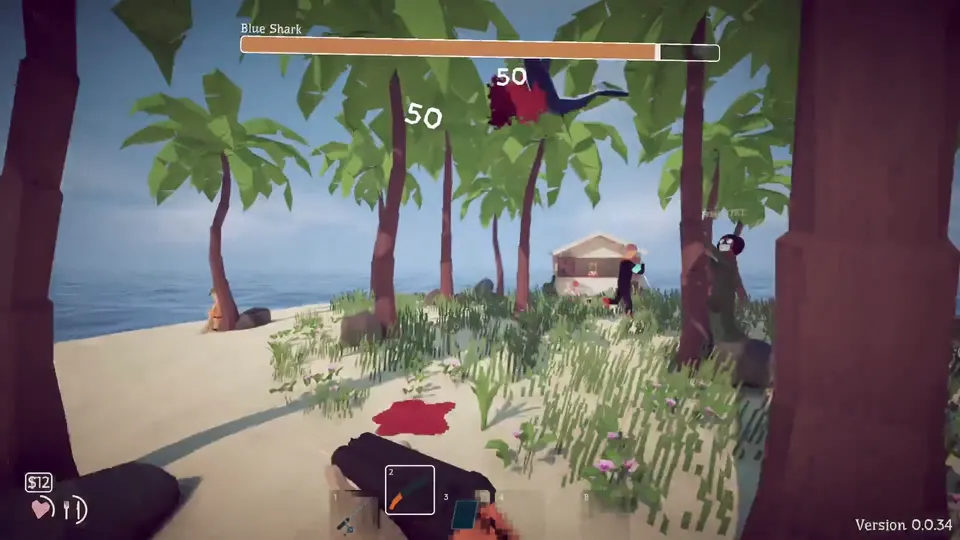
Beat the How to Fish Spider Crab with Empty Beer Can bait, safe melee punish windows, the correct quest drop, Boat Keys, and Radar preparation.
Open articleFollow the How to Fish island route from Lighthouse to Volcano, with each unlock condition, boss hand-in, radar marker, and stuck-progression check.
Open articleFix a How to Fish black screen when joining friends with Patch 1.0.10 connection changes, Steam Relay checks, matching builds, fresh lobbies, and clean mod tests.
Open articleCheck the source before the file
Mod descriptions come from their original community listings. Official game builds and supported features come from Dazed Games and Steam. A listing describes what its author claims; it is not an endorsement from this site or the developer.