Updated 2026-09-03
How to Fish True Dot Crosshair Mod Guide
Set up True Dot Crosshair for How to Fish, compare fixed and dynamic modes, check its older listed game version, and remove the plugin cleanly.
Reported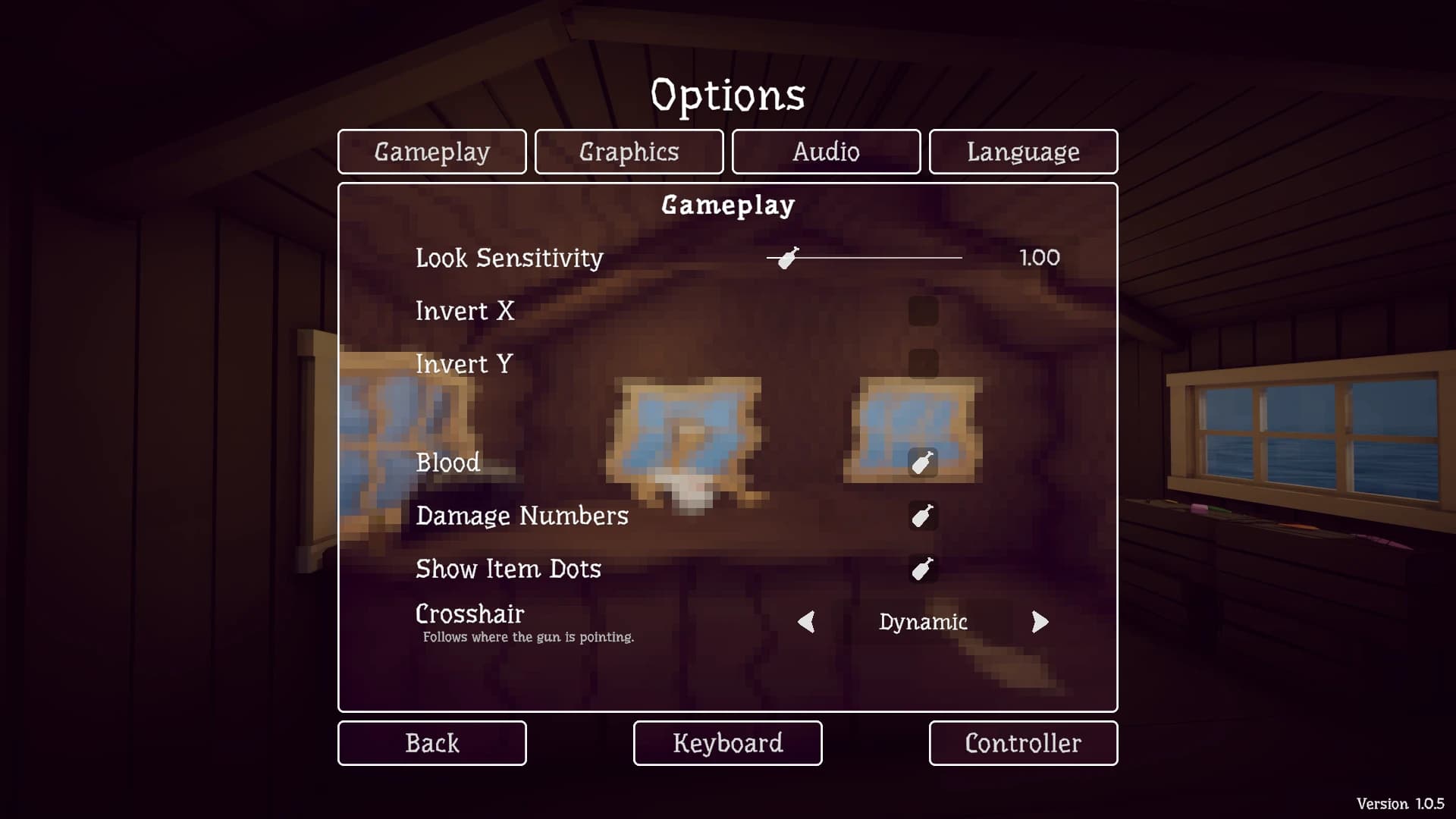
True Dot Crosshair adds Off, Fixed, and Dynamic aiming modes through a client-side BepInEx plugin. Dynamic is designed to follow the actual aim point, including weapon movement and bullet behavior; Fixed keeps a stable center dot. The listing names game version 1.0.9, so its description does not yet confirm Patch 1.0.11 compatibility.
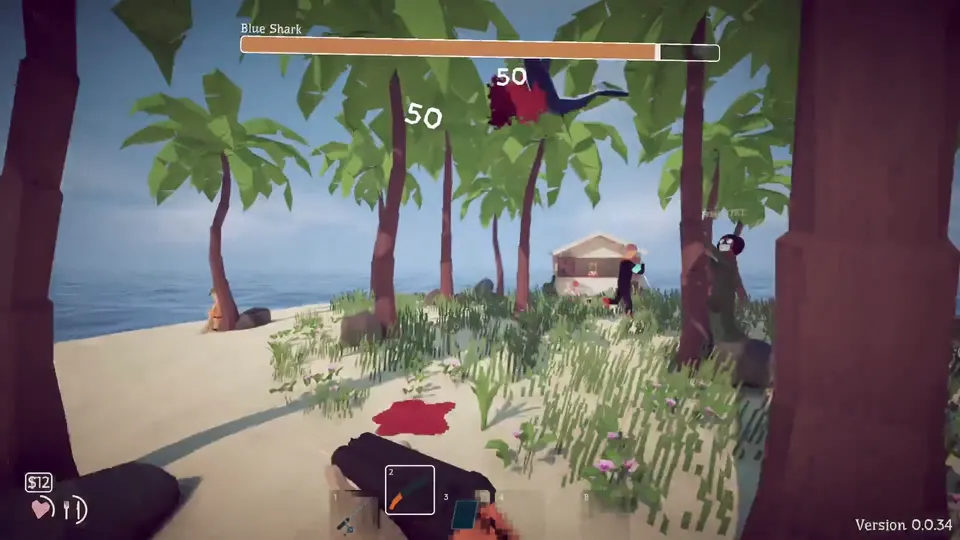
Crosshair version support
| Item | Current information |
|---|---|
| Listed version | 1.1.0 |
| Last listing update | August 30, 2026 |
| Required loader | BepInEx 5.4.23.5 or newer |
| Game version named by author | 1.0.9 |
| Current site-tracked game build | Patch 1.0.11 |
| Multiplayer claim | Client-side visuals; author reports multiplayer-safe |
Because the game version named on the mod page is older than the current build, treat support as Unknown, not broken and not confirmed. Test the plugin alone after confirming the clean game starts.
Fixed and Dynamic modes
The plugin integrates its setting into Options → Gameplay → Crosshair. Off restores no mod crosshair. Fixed displays a stable center marker. Dynamic attempts to represent the weapon’s current aim rather than simply drawing a dot in the middle of the screen.
Dynamic mode is the reason to choose this over a monitor overlay. It can respond to sway and bullet drop described by the author. A fixed dot is simpler and may be easier to read, but it should not be mistaken for a guarantee that every projectile will land at that exact pixel.
Install the plugin
- Start How to Fish without mods and confirm Patch 1.0.11 launches.
- Back up the save even though this is described as a visual client mod.
- Install BepInEx 5.4.23.5 or the newer compatible build named by the author.
- Download the DLL from the original author page.
- Place it under
BepInEx/plugins. - Launch the game and open Options → Gameplay → Crosshair.
- Test Off, Fixed, and Dynamic with the same weapon in a private area.
If the Crosshair setting does not appear, check the BepInEx log before adding another copy. A missing menu entry usually means the loader or plugin did not start; it is not a reason to install MelonLoader on top of the current setup.
Use it in multiplayer
The author describes the feature as client-side and multiplayer-safe. That means the dot should change only the local display rather than the host’s world state. It does not turn a weapon into a server-authoritative hit guarantee and should not change another player’s screen.
Test in a private lobby after a clean solo test. If aiming, joining, or UI behavior changes only when the plugin is active, remove it and reproduce the problem without BepInEx before changing network settings.
When the dot or menu is wrong
If the dot is offset, switch to Off, return to gameplay, and then reselect the desired mode. Compare multiple weapons because a dynamic aim point may legitimately move with sway or trajectory. If the menu disappears after an official patch, check the original page for a newer supported game version.
To uninstall, close the game and remove the True Dot Crosshair DLL from BepInEx/plugins. Keep BepInEx if another plugin needs it. Restart and verify that the Crosshair option and dot are gone. This mod should not require save restoration for its visual setting, but use the backup if unrelated state changed during testing.
The download and changelog stay on the original Nexus listing. Check whether the author has named the current game build before reinstalling after a patch; the version gap matters more here than the listing's recent date.
What the structured record says
- developer
- Dazed Games
- publisher
- Dazed Games
- release Date
- 2026-08-20
- platform
- Windows PC via Steam
- author
- aeoliannn
- listed Version
- 1.1.0
- loader
- BepInEx 5.4.23.5+
- last Updated
- 2026-08-30