Updated 2026-09-03
How to Fish Extended Mod: Features & Setup
Understand HowToFishExtended V2 progression systems, BepInEx setup, multiplayer requirements, saved data, update risks, and safe removal.
Reported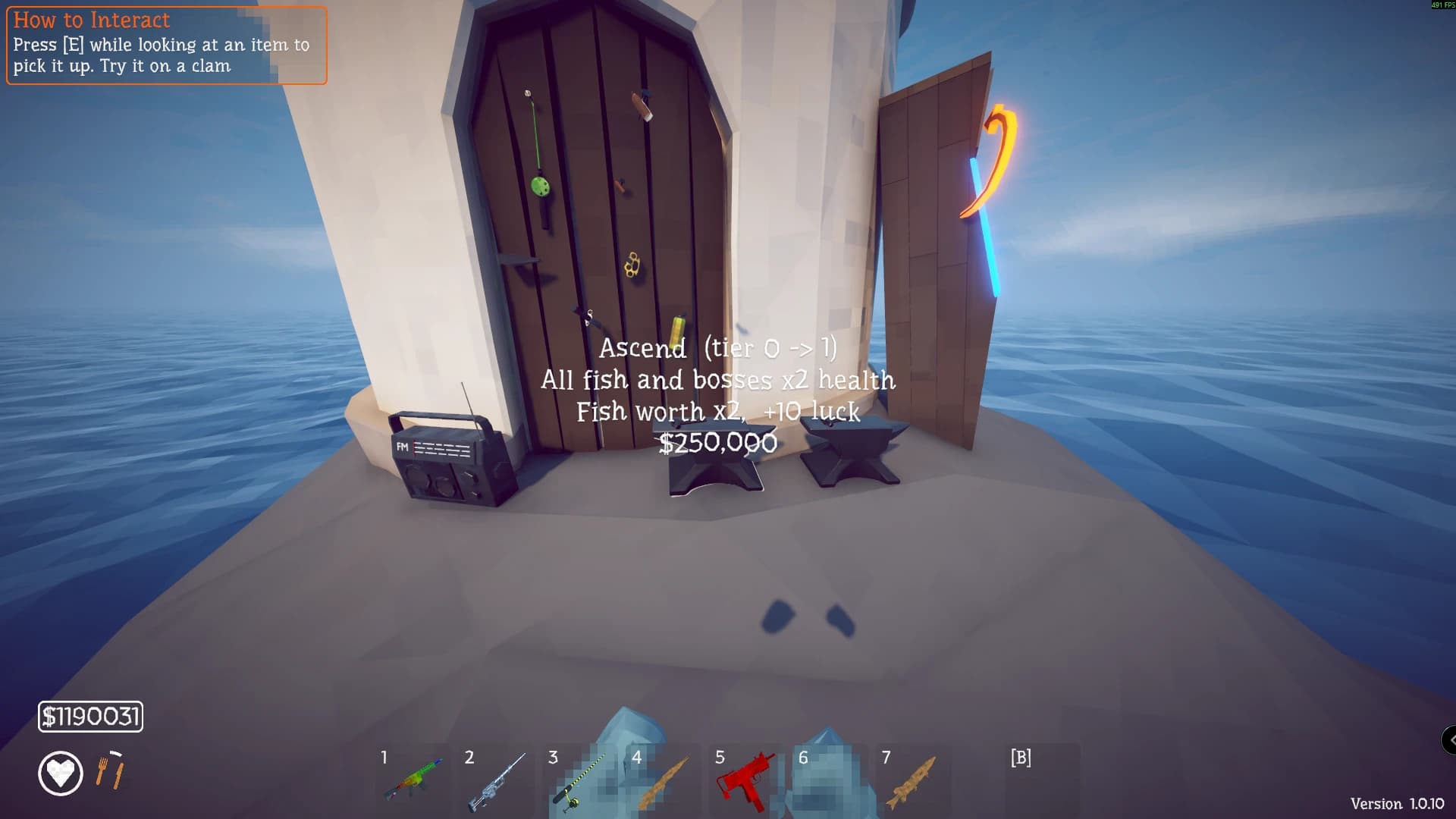
HowToFishExtended V2 is a BepInEx 5 progression overhaul for 64-bit Windows. It adds catch statistics and trophies, storage, fish variants, deep weapon upgrades, Lucky Charm stands, an Ascension or New Game+ loop, configurable balance, and shared multiplayer progression. This is a large systems mod, so install it on a separate playthrough rather than adding it casually to a completed save.
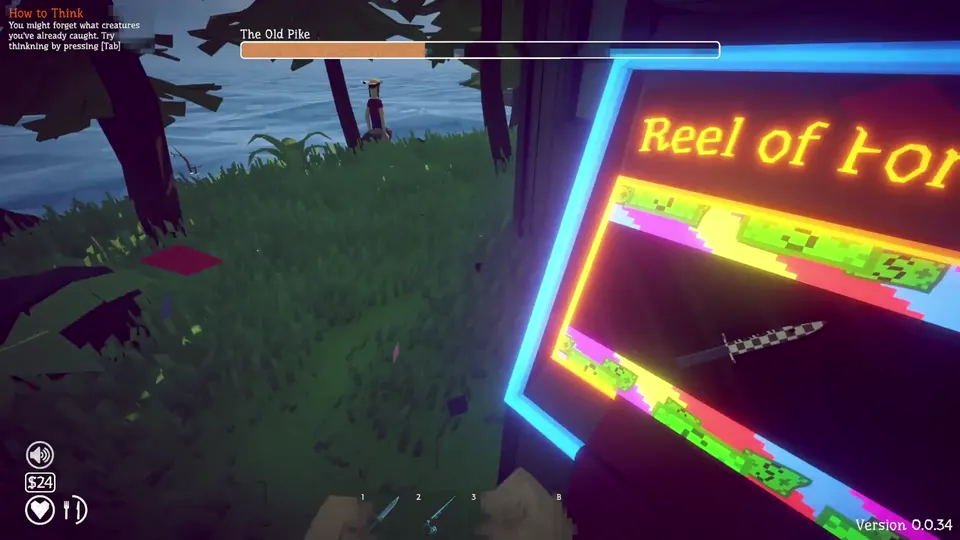
Overhaul compatibility and data boundaries
| Item | Current information |
|---|---|
| Listed version | 2.8.1 |
| Last listing update | August 31, 2026 |
| Required loader | BepInEx 5, x64 Windows |
| Other dependency | None listed beyond BepInEx |
| Multiplayer | Shared progression systems are documented |
| Current Patch 1.0.11 status | Ordinary patches may work, but major updates can require a new mod build |
The author states that mod data is stored separately from vanilla saves and that game files are not modified. That reduces some removal risk, but the mod still changes the live progression experience while active.
What the overhaul adds
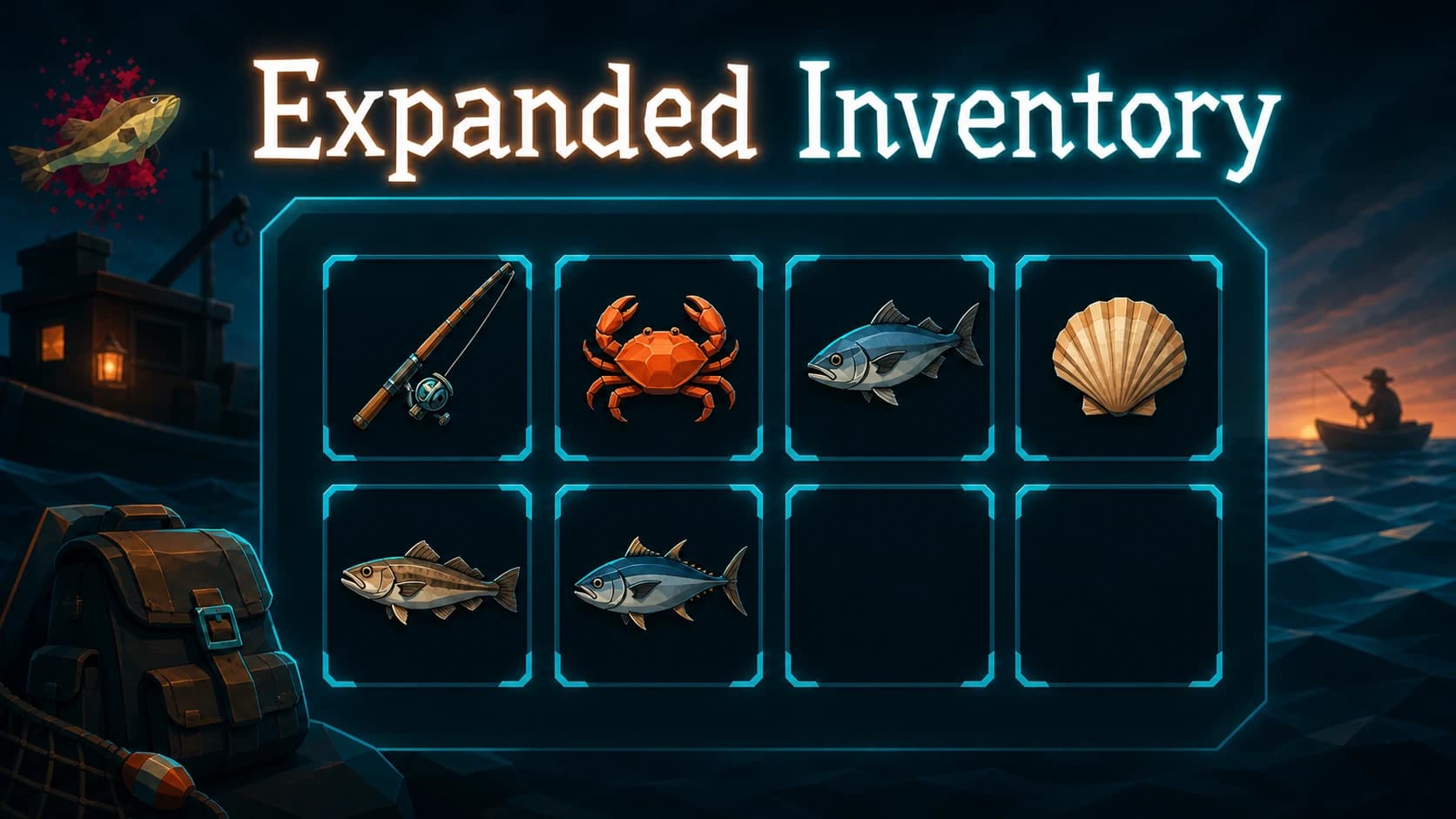
The catch system records statistics and trophies, while added storage and six fish variants expand collection play. Weapon upgrades can extend to 255 tiers. Lucky Charm stands affect the mod’s progression, and Ascension provides a repeating New Game+ style loop. Balance values, debug tools, and host commands are configurable.
These systems interact. A stronger weapon, altered luck, new variants, and repeated Ascension cannot be evaluated as isolated cosmetic options. Decide whether you want an overhaul before installing it; players who only want a larger hotbar or a crosshair should use a narrower tool instead.
Install HowToFishExtended V2
- Confirm Windows is running the 64-bit version of the game.
- Start the clean current game and back up the main save.
- Install BepInEx 5 without MelonLoader.
- Download
HTFExpanded.dllfrom the original author page. - Place the DLL under
BepInEx/plugins. - Start a new or disposable save and verify the mod interface and storage.
- Exit and reopen the game to confirm separate mod progress loads.
The author explicitly warns against installing MelonLoader alongside BepInEx for this setup. If another desired mod requires MelonLoader, do not combine them in the same installation unless both authors document a supported arrangement.
Multiplayer setup
The listing describes shared progression and host commands. Use matching game, BepInEx, mod, and configuration versions for every participant unless the author states a specific host-only exception. Start with two players and a private test world.
Check whether catch statistics, storage, upgrades, and Ascension state agree after both players reconnect. A system that appears correct during one session can still reveal a persistence difference after restart. Keep the unmodified save outside the test path.
Updating and uninstalling
Before a game or mod update, copy both the vanilla save and the separate mod data. Disable the plugin and confirm the current official build starts before adding a new DLL. The author says normal patches are designed to be tolerated, but also notes that a major game update may require a new version.
The documented uninstall is simple: remove BepInEx/plugins/HTFExpanded.dll. Because the extra data is stored separately, removing the DLL stops the systems without editing the game’s own files. Preserve the mod data until you have confirmed that you do not need to restore the overhaul.
Do not assume vanilla progress will reproduce every modded upgrade, variant, stand, or Ascension state. Return to the clean backup when you want the original progression experience.
Use the original Nexus listing for the current archive, changelog, and author instructions. Review it again before a major game update because separate mod data makes removal cleaner, but does not make an old DLL compatible with new game code.
What the structured record says
- developer
- Dazed Games
- publisher
- Dazed Games
- release Date
- 2026-08-20
- platform
- Windows PC via Steam
- author
- xiproz
- listed Version
- 2.8.1
- loader
- BepInEx 5 x64
- last Updated
- 2026-08-31