Updated 2026-09-03
How to Fish Keep Inventory Mod: Install & Use
Learn what Keep Inventory changes in How to Fish, who should install it for co-op, how to add its BepInEx plugin, and how to remove it safely.
Reported
After a death, knockout, or respawn, Keep Inventory is intended to stop the player’s held item and inventory from being dropped or launched away. If the inventory is already full, the author says the held item is placed at the player’s feet instead. The listing recommends installing the BepInEx plugin for every player in co-op to avoid phantom-item behavior.
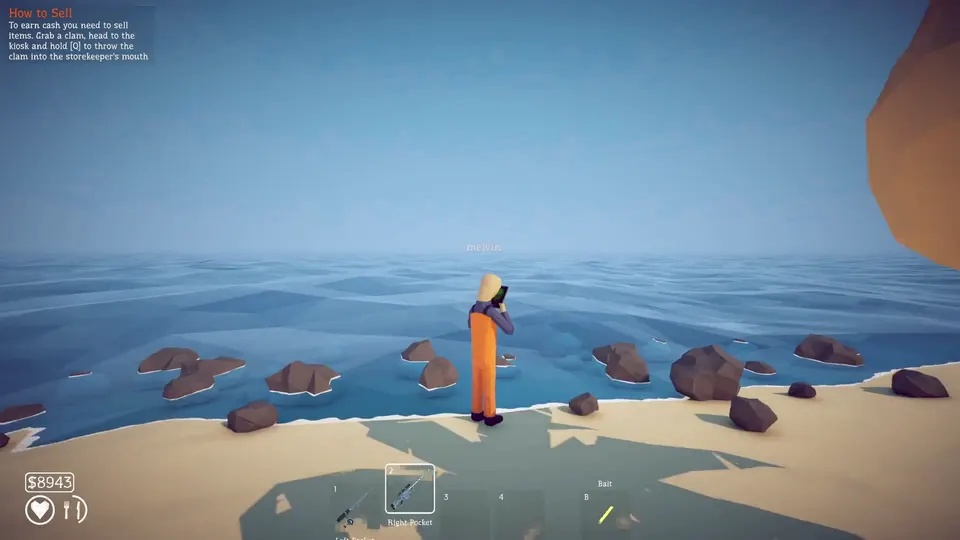
Death-state and co-op compatibility
| Item | Current information |
|---|---|
| Listed version | 1 |
| Last listing update | August 22, 2026 |
| Required loader | BepInEx |
| Multiplayer | The author recommends installation for all players |
| Current Patch 1.0.11 status | Not explicitly confirmed on the listing |
The file predates the current game build shown on this site. That does not prove it is broken, but it means compatibility with Patch 1.0.11 should be treated as Unknown until the author updates the listing or you complete a disposable-save test.
What the mod changes
The plugin targets item loss during the death and respawn flow. It does not claim to expand storage, add slots, or protect a save from unrelated corruption. Its practical use is narrower: keep the items already attached to the player from being scattered when the game resets that player.
This is most useful for players who regularly lose a rod, weapon, or quest item in water or around a boss arena. It can also reduce the time spent searching the ground after a co-op revival. It should not be treated as a substitute for a backup because a plugin cannot protect against every save, patch, or synchronization problem.
Install with BepInEx
- Start the unmodified game and confirm the intended save loads.
- Back up that save outside the game folder.
- Install the BepInEx version required by the original listing.
- Download Keep Inventory from the original author page.
- Place the plugin file under
BepInEx/pluginsas the author instructs. - Launch a disposable save and trigger one controlled death or knockout.
- Restart the game and confirm the inventory still loads correctly.
Do not install a MelonLoader copy of another mod into the same folder. The names of the loaders are not interchangeable, and this listing documents Keep Inventory as a BepInEx plugin.
Co-op setup
The author reports host compatibility but recommends that every player install the plugin. That warning matters because the host and a client can disagree about whether an item was retained, dropped, or removed. A client may then see a phantom object or a different inventory state.
Test in a private two-player lobby first. Both players should use the same game build, BepInEx generation, plugin version, and configuration. After one player dies, check the inventory on both machines, reconnect, and check it again. Do not start with the only copy of a long-running shared save.
Remove or troubleshoot it
If the game stops launching, move the Keep Inventory plugin out of BepInEx/plugins and test with the loader but without this plugin. If the game opens, check the author’s Posts and Bugs tabs for a newer build or dependency change. If it still fails, test the clean game before altering networking or the save.
To uninstall, remove only the Keep Inventory files named in the archive or your install record. Keep BepInEx if other plugins still need it. Load a backed-up test save, die once, and verify that the normal item-drop behavior has returned before using the main save.
Check the original Nexus listing for the latest file and author reports before enabling the plugin again after a patch. An unconfirmed current build should stay on the disposable-save test until death, reconnect, and reload all preserve the same inventory state.
What the structured record says
- developer
- Dazed Games
- publisher
- Dazed Games
- release Date
- 2026-08-20
- platform
- Windows PC via Steam
- author
- KvasirDeer
- listed Version
- 1
- loader
- BepInEx
- last Updated
- 2026-08-22