Updated 2026-09-03
How to Fish Expanded Inventory Mod Guide
Review Expanded Inventory features, BepInEx setup, protected item limits, auto-sell cautions, and a safe uninstall path for How to Fish.
Reported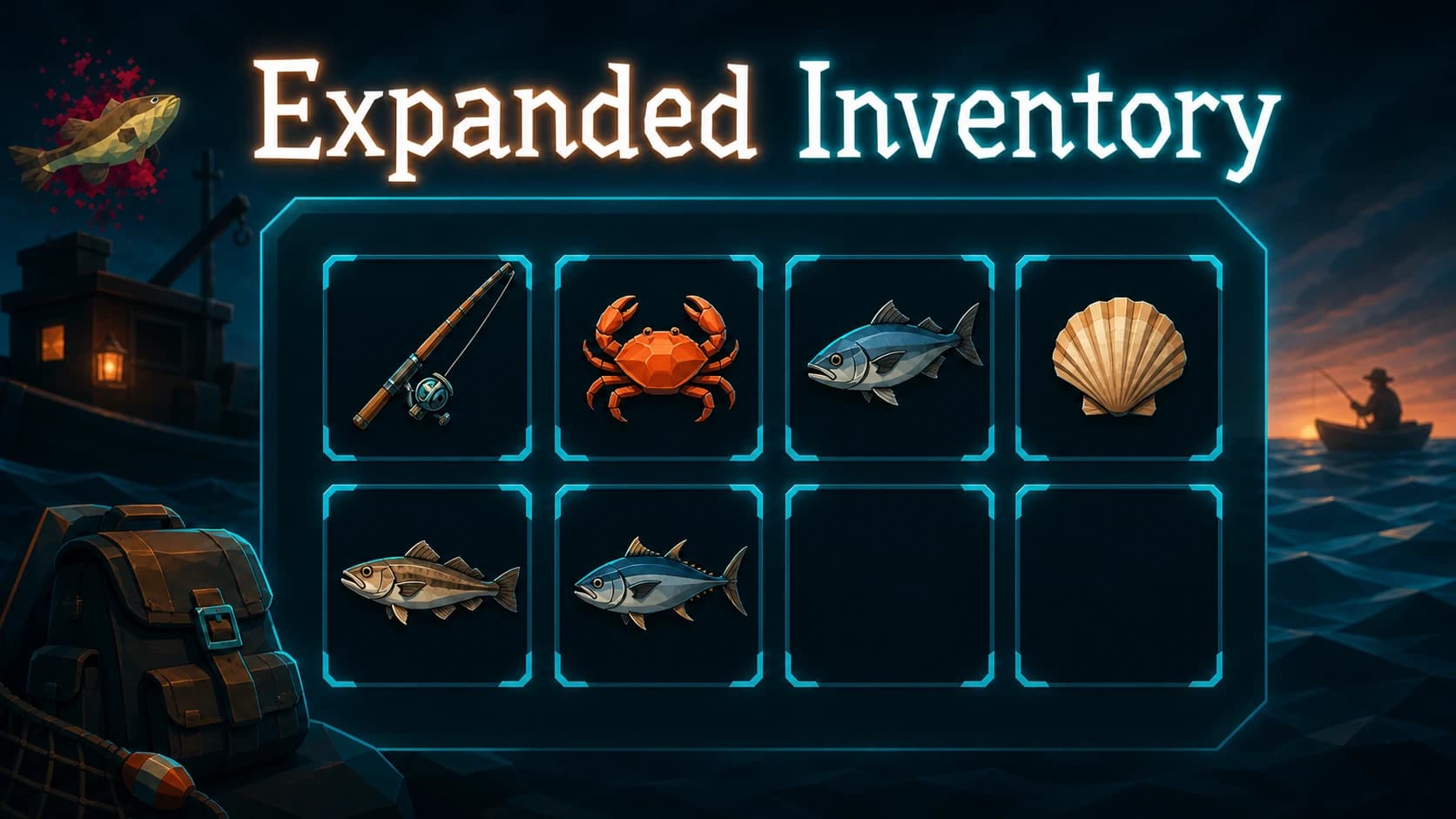
Expanded Inventory is a BepInEx 5 mod that adds an eight-slot hotbar, a stackable backpack, drag-and-drop controls, item actions, and an island-wide auto-sell tool. It changes both storage and item handling, so test it on a copied save before enabling automation around quest or rare items.

Inventory and patch compatibility
| Item | Current information |
|---|---|
| Listed version | 1.2 |
| Last listing update | August 28, 2026 |
| Required loader | BepInEx 5, included according to the listing |
| Main save risk | Inventory layout and automated selling |
| Current Patch 1.0.11 status | Not explicitly confirmed on the listing |
The mod was updated recently, but a recent date is not the same as a statement that it supports Patch 1.0.11. Use the clean current build as the control, then add this package by itself.
What Expanded Inventory adds
The author describes an eight-slot hotbar and a backpack that can hold stacks. Items can be moved by drag and drop, and the interface adds actions for selected items. The auto-sell function can sell eligible inventory across the island rather than requiring a normal trip through each sale interaction.
The listing says rods, weapons, tools, and quest items receive protection. Treat that as the author’s stated rule, not a guarantee for every item added by a patch or another mod. Before using auto-sell, place an expendable catch and one important item in the test inventory, then verify exactly what the command removes.
Install the package
- Run the unmodified game once on the current patch.
- Back up the save and record the current inventory.
- Download the package from the author’s original page.
- Extract it to the folder containing the game executable, following the archive structure.
- Confirm BepInEx starts and the plugin appears in the expected plugin directory.
- Open a disposable save and move items between all eight hotbar positions and the backpack.
- Exit normally, restart, and confirm the layout persists.
Do not flatten the archive unless the author’s Files tab specifically tells you to. A package that includes BepInEx may contain several required folders, and placing every file directly in plugins can break the intended structure.
Test auto-sell safely
Use a separate save or a copy made immediately before testing. Keep quest items, unique rewards, and expensive tools out of the working inventory until you have confirmed the protection rules. Run the feature once with a cheap ordinary catch, inspect the money change, then restart and confirm the save is stable.
If another mod introduces new item categories, Expanded Inventory may not recognize them as protected. Avoid combining inventory overhauls until each works alone. When two plugins both patch storage, dragging, stacking, or selling, a visible interface conflict may be only one part of the problem; the saved item state can also differ.
Multiplayer considerations
The listing does not provide enough current information to promise a host-only or client-only setup. If you intend to use it in co-op, begin with matching installations for two consenting players and a private test save. Compare both players’ hotbars before and after reconnecting. If the inventory differs, remove the plugin from the multiplayer test rather than trying it in a larger lobby.
Uninstall and recovery
Before removal, empty mod-added storage into normal supported slots if possible. Then exit the game, copy the save, and remove only the files included by Expanded Inventory. Start with BepInEx but without the plugin and verify the normal hotbar, carried items, sale interaction, and save reload.
If the clean layout does not return, restore the backup rather than repeatedly saving over the changed inventory. Steam file verification can repair game files, but it does not reconstruct inventory data already written to a save.
The original Nexus listing holds the archive, requirements, and current author notes. Recheck those details before every update, especially when the save already contains items in mod-added storage.
What the structured record says
- developer
- Dazed Games
- publisher
- Dazed Games
- release Date
- 2026-08-20
- platform
- Windows PC via Steam
- author
- ANX1O
- listed Version
- 1.2
- loader
- BepInEx 5
- last Updated
- 2026-08-28