
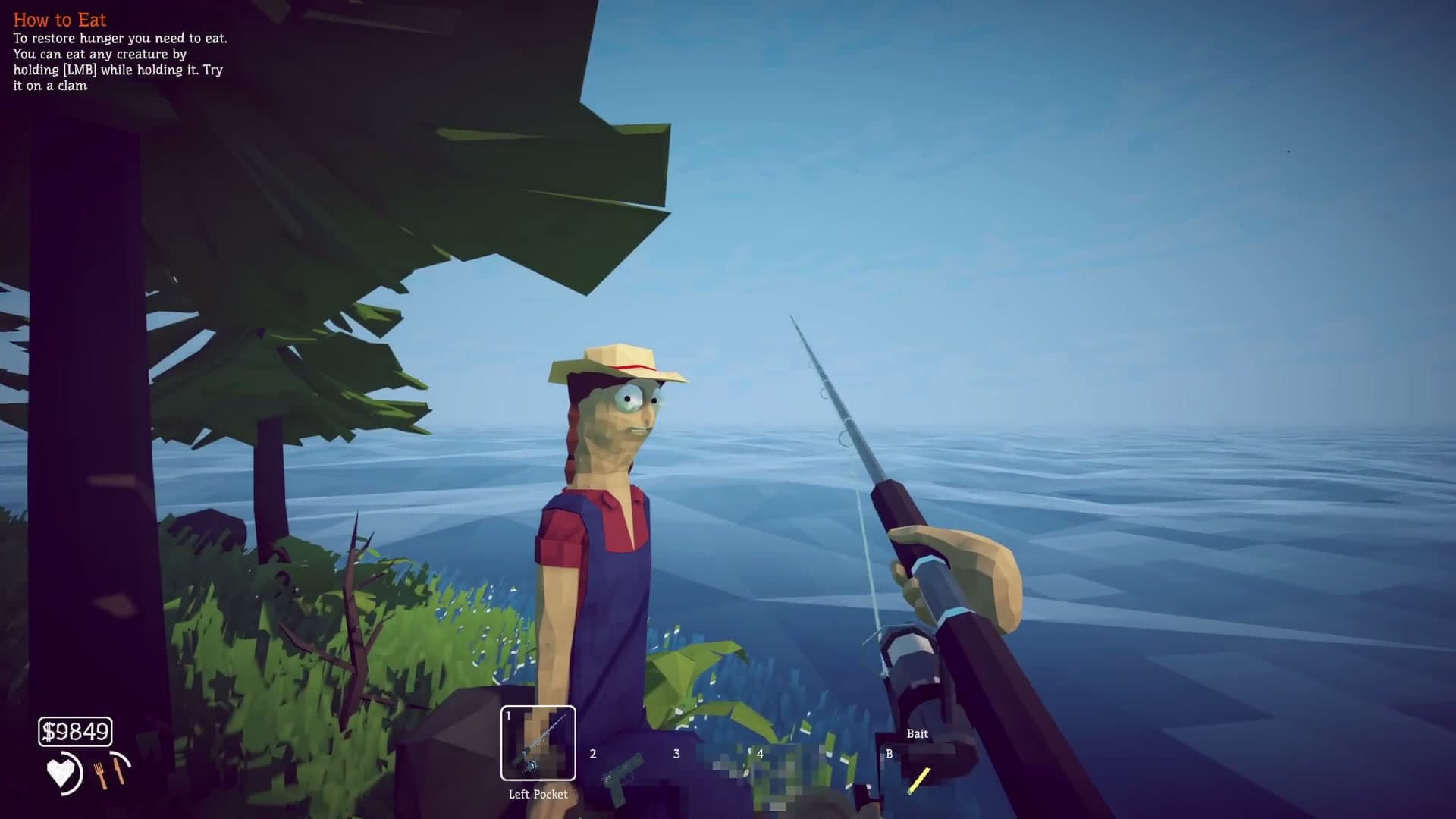
How to Fish Crossplay: PC and Steam Deck Status
Check current How to Fish crossplay support for Windows PC and Steam Deck, the eight-player lobby update, and the unconfirmed console, Mac, and mobile status.
Open article3 articles
The current official lobby supports more players than the launch store description, but every client still needs a compatible Steam build.
How to Fish supports single-player and Steam online co-op. Patch 1.0.4 raised the official lobby limit to eight players, and Patch 1.0.5 added invite-only private lobbies. For the most reliable session, update every player, compare version numbers, let the host load first, and send a fresh Steam invitation from a clean, unmodded lobby.
Update Steam and How to Fish on every PC or Steam Deck, then compare the version shown by the game. The host should create a new private lobby, load into the world, and send a fresh Friends invitation. Add players one at a time when testing a large group so the first failing join is identifiable.
Remove lobby-size plugins and other injected mods for the baseline test. The base game already supports eight players, so an old expansion plugin can introduce a version conflict without adding needed capacity.
A red Steam Relay diagnostic points to Steam connection initialization. If Relay looks normal, rebuild the lobby, restart Steam, verify files, and try a different host. Patch 1.0.10 increased the allowed connection time and records the game version in player.log for comparison.
Test the same group without mods before changing graphics drivers, deleting saves, or disabling security. Startup black screens and join-only black screens have different causes. Back up the save before touching data under AppData.
Check current How to Fish crossplay support for Windows PC and Steam Deck, the eight-player lobby update, and the unconfirmed console, Mac, and mobile status.
Open article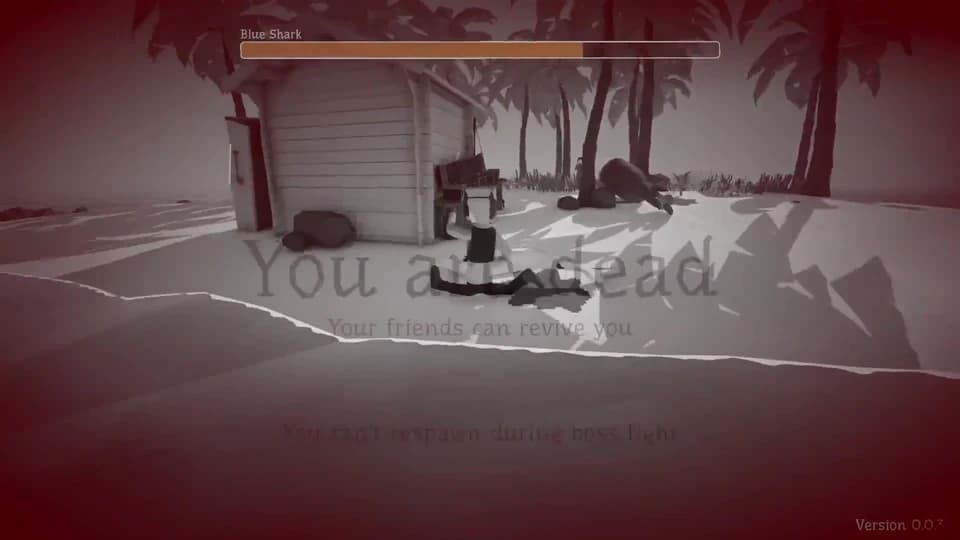
Fix a How to Fish black screen when joining friends with Patch 1.0.10 connection changes, Steam Relay checks, matching builds, fresh lobbies, and clean mod tests.
Open article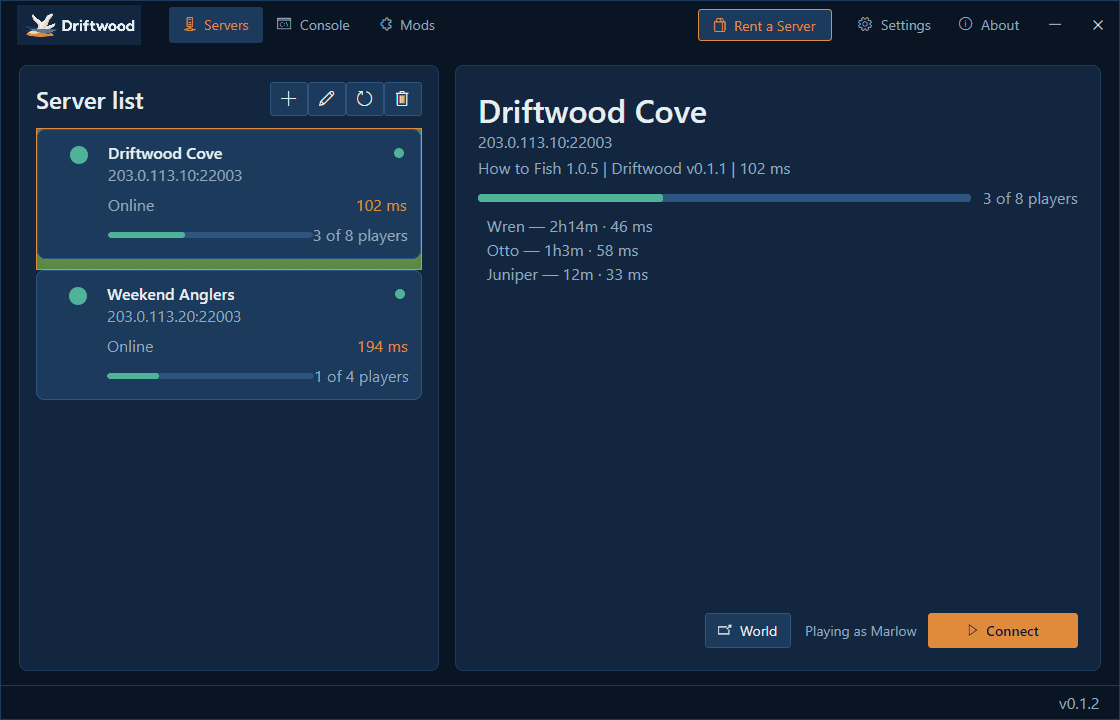
Check the official How to Fish dedicated-server status and understand the unofficial Driftwood community option, its requirements, risks, ports, and update limits.
Open article