Updated 2026-08-30
How to Fish Dedicated Server: Official Status and Driftwood
Check the official How to Fish dedicated-server status and understand the unofficial Driftwood community option, its requirements, risks, ports, and update limits.
Reported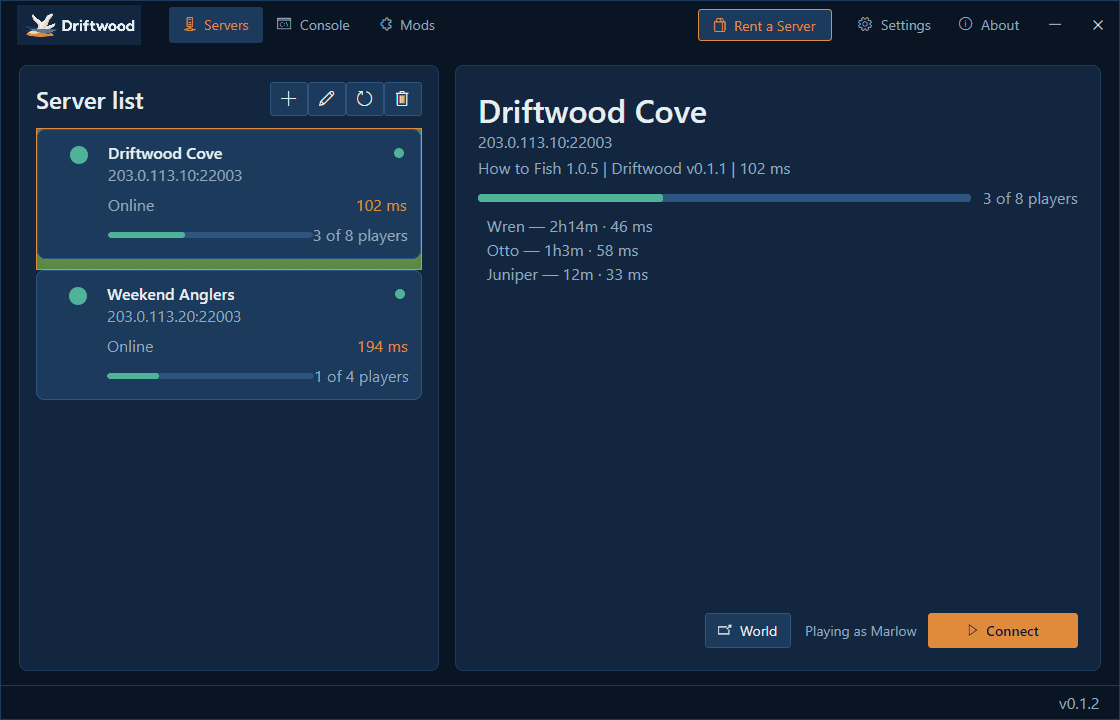
How to Fish does not currently include an official dedicated server. The Steam listing supports online co-op, while Driftwood and DriftwoodServer are third-party community projects that add a separate server path. They are not developed, endorsed, or supported by Dazed Games, and every player still needs a legitimate Steam copy.
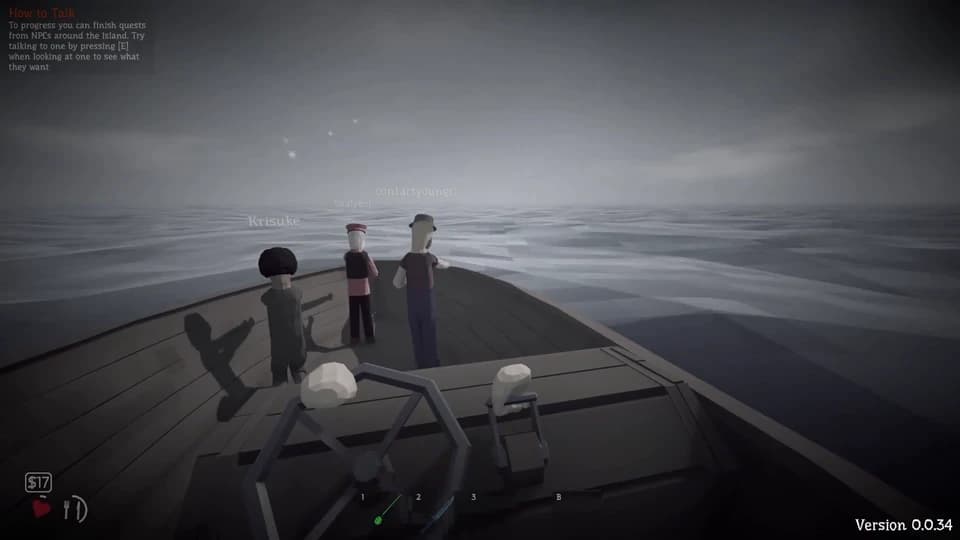
Official lobby or community server
| Option | Best fit | Support boundary |
|---|---|---|
| Official Steam lobby | Most groups, normal co-op, lowest setup burden | Supported game path; current official lobby limit is eight after Patch 1.0.4 |
| Driftwood community server | Groups willing to run and maintain third-party software | Unofficial; compatibility, security, uptime, and updates are the operator's responsibility |
Choose the official lobby unless you specifically need a persistent or separately hosted community setup and accept the maintenance cost. A community server does not turn How to Fish into a DRM-free game and does not remove the Steam ownership requirement.
What Driftwood requires
The current repositories describe a Windows x64 community setup. The server project lists Git and .NET 8 among its requirements, while the player project supplies the client-side launcher. Every participant needs the compatible Driftwood client, and the server and clients must stay on matching releases.
The server documentation uses a UDP game port plus the following TCP port. Open only the ports the current release documents, restrict management access, and do not expose unrelated services. Commercial hosting instructions are third-party operational guidance, not confirmation from Dazed Games.
Safe setup order
- Back up the How to Fish save before installing or updating community software.
- Read the current Driftwood and DriftwoodServer release notes and inspect downloaded files.
- Prepare a separate Windows x64 server environment with the documented runtime.
- Configure the game port and the required adjacent TCP port at the narrowest firewall scope.
- Install the matching client version for every player.
- Test with a new session before exposing a long-running server or using a main save.
Do not paste database credentials, Steam session data, remote-management passwords, or private keys into public configuration files. The community repositories are code sources, not a guarantee that every third-party release mirror or hosting panel is trustworthy.
Updates and troubleshooting
After an official game patch, check the Driftwood repositories before updating a live community server. A game update can change networking, saves, item behavior, or mod compatibility even when the official lobby still works. Keep the last working server files and a separate save backup until the new client/server combination has been tested.
If players cannot join, confirm the same game build, same Driftwood client release, correct address and ports, firewall rules, and server logs. Test the official Steam lobby separately: if the official lobby works but Driftwood does not, keep the diagnosis on the community server path. Use the black-screen joining guide for official-lobby and Steam Relay checks.
The repositories were young and actively changing when checked on August 30, 2026. Treat installation commands, supported player counts, and compatibility claims as version-specific. This page documents the option without recommending it over the official Steam lobby.
What the structured record says
- developer
- Dazed Games
- publisher
- Dazed Games
- release Date
- 2026-08-20
- platform
- Windows PC via Steam