Updated 2026-09-03
How to Fish World Item Spawner: Setup & Safety
Learn what World Item Spawner does, install its BepInEx or MelonLoader build, avoid save and progression damage, and remove it cleanly.
Reported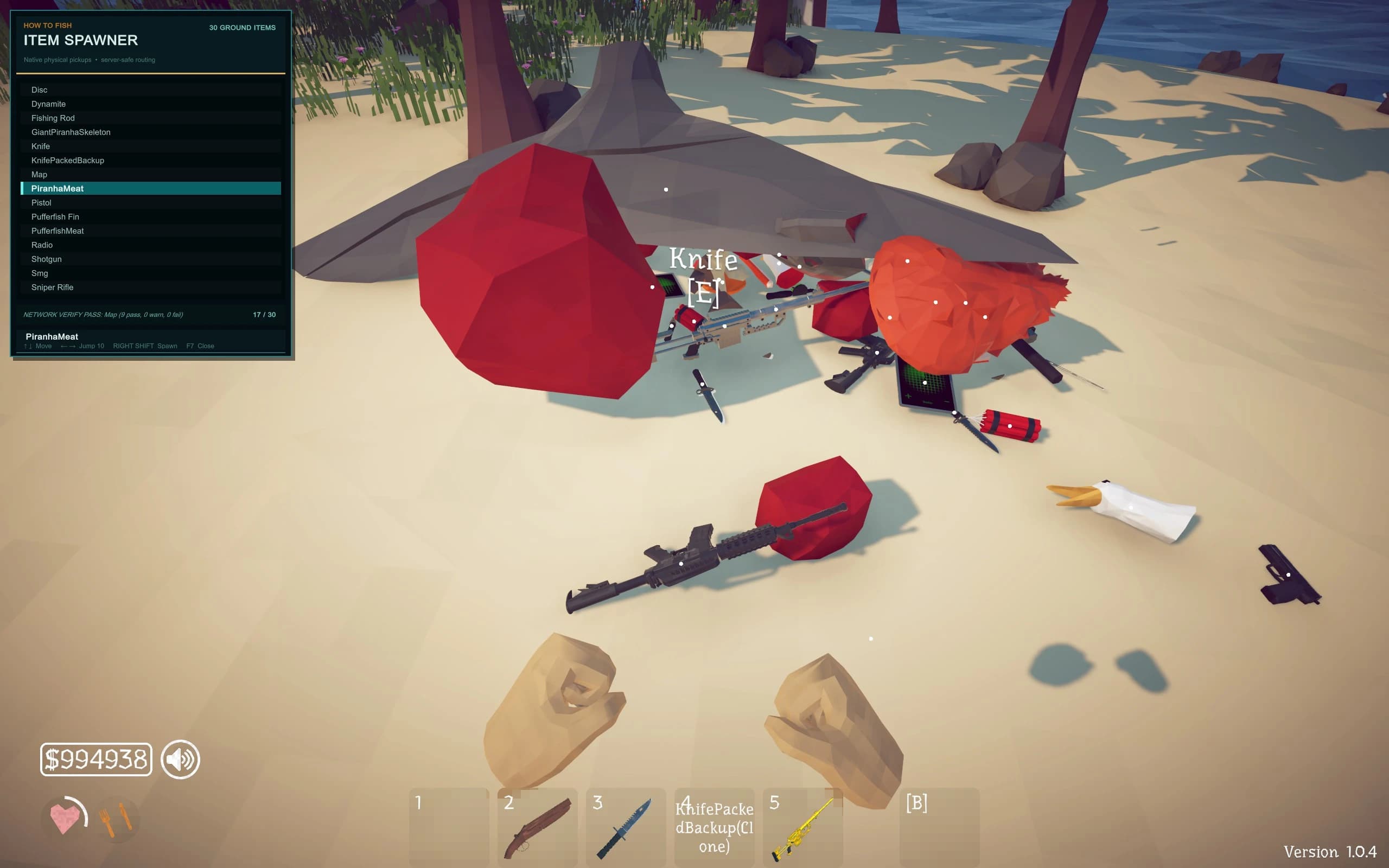
World Item Spawner places physical How to Fish items into the current world for cheat or testing use. Its listing provides separate BepInEx and MelonLoader variants; the MelonLoader instructions name version 0.7.3, place HowToFishItemSpawner.dll in Mods, and use F7 to open the menu. Follow the author's empty-hands warning and use a disposable solo save.
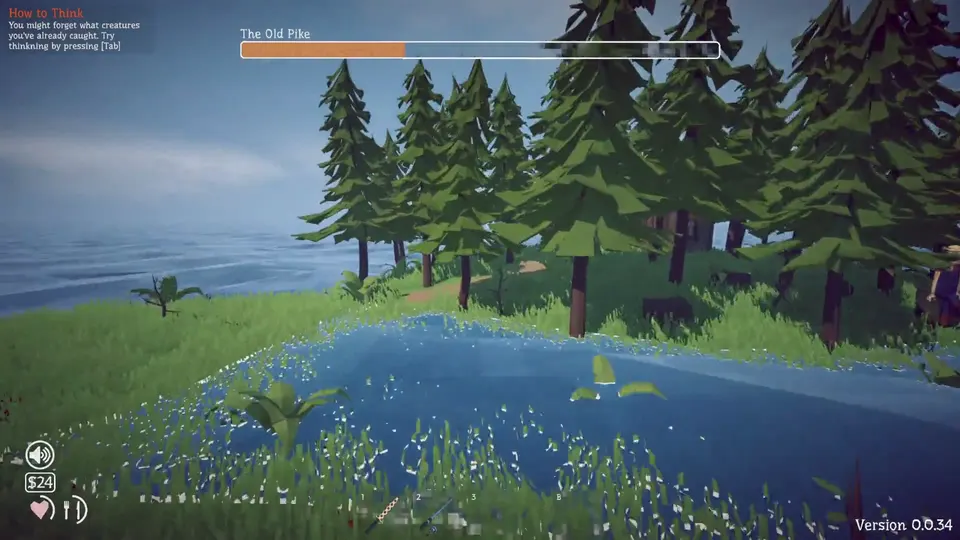
Loader variants and menu controls
| Item | Current information |
|---|---|
| Listed version | 1 |
| Last listing update | August 25, 2026 |
| Loader options | Separate BepInEx and MelonLoader builds |
| MelonLoader version in instructions | 0.7.3 |
| Menu key for that build | F7 |
| Current Patch 1.0.11 status | Not explicitly confirmed on the listing |
Choose one loader variant. A DLL built for MelonLoader does not belong under BepInEx/plugins, and the BepInEx archive should not be combined with the MelonLoader setup.
What the spawner is for
The menu is designed to create physical items in the world. That can help a player inspect an object or test a route, but it can also bypass normal catches, purchases, quests, rewards, and progression. An item that exists physically may still trigger game logic when picked up, sold, cooked, handed in, or saved.
Do not use it to “repair” the only copy of a broken quest without first keeping a backup. Spawning a duplicate objective item can produce a second state problem rather than restoring the expected quest sequence.
Install one variant
For the documented MelonLoader route:
- Start the clean game and create a disposable save.
- Install MelonLoader 0.7.3 as named by the author.
- Download the matching World Item Spawner file.
- Place
HowToFishItemSpawner.dllin the game’sModsfolder. - Launch the disposable save, empty the player’s hands, and press F7.
- Spawn one low-value item in an open location.
- Exit, restart, and inspect the world and inventory.
For the BepInEx version, follow that file’s own archive and Files-tab instructions. Do not reuse the MelonLoader folder path simply because the feature name is the same.
Protect progression and multiplayer
Keep the spawner out of public lobbies. A spawned weapon, fish, quest object, or creature can change the shared session and other players’ progression. If a private group intentionally wants a test, use a copied host save, obtain consent, and remove the package before returning to ordinary play.
Avoid spawning many objects at once. The author’s “empty hands” warning should be followed literally, and one-object testing makes it possible to identify the item responsible for a crash, collision problem, or incorrect save.
Remove the spawner
Delete spawned test objects where the game provides a normal safe method, exit, and copy the save. Remove only the spawner DLL from the selected loader folder. Start with the loader but without the plugin, then start the clean game if a failure remains.
Removing the DLL does not guarantee that items already saved in the world disappear. If unwanted objects or altered progression persist, restore the backup made before the test. Steam file verification repairs installed game files, not world state written into a save.
The original Nexus page contains the current files, scan, and author notes. Recheck the loader-specific instructions there instead of carrying an old folder path or hotkey forward to a newer build.
What the structured record says
- developer
- Dazed Games
- publisher
- Dazed Games
- release Date
- 2026-08-20
- platform
- Windows PC via Steam
- author
- chadi7bark
- listed Version
- 1
- loader
- BepInEx or MelonLoader
- last Updated
- 2026-08-25