Updated 2026-09-03
How to Fish More Players Mod: Lobby Setup
Configure the MorePlayers host mod for How to Fish, understand its 1–250 range, test unmodded clients, and diagnose large-lobby problems.
Reported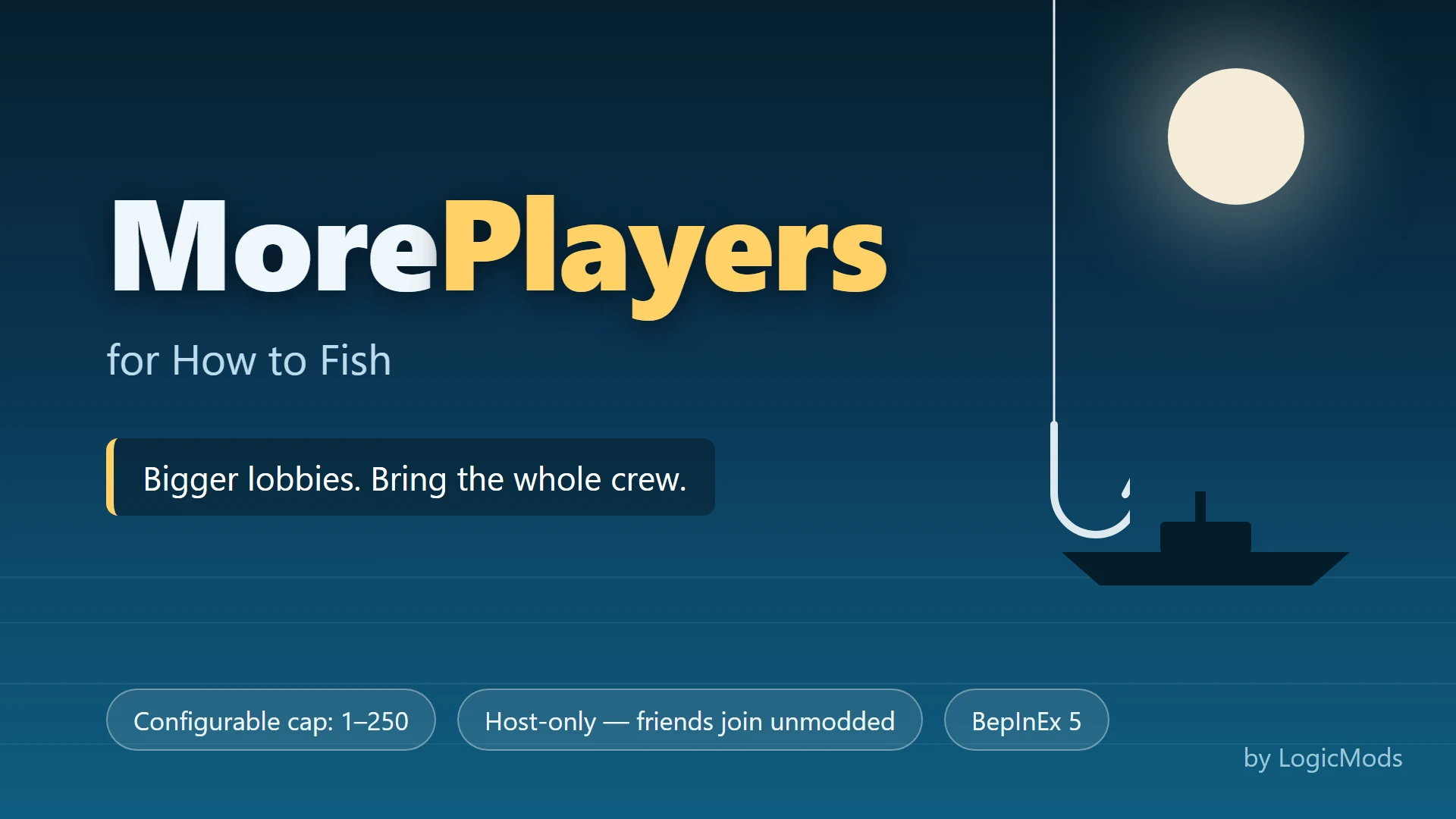
The official How to Fish lobby limit is eight. MorePlayers is a host-side BepInEx 5 plugin for groups that want to exceed that baseline; its configuration accepts values from 1 to 250, and the author says unmodded friends can join. Start only slightly above eight and test stability before inviting a large group.
Host-only claim and lobby limits
| Item | Current information |
|---|---|
| Listed release | Version 1 with a 1.0.1 changelog entry |
| Last listing update | August 25, 2026 |
| Required loader | BepInEx 5 |
| Who installs it | Host only, according to the author |
| Configured range | 1–250 players |
| Radar | Author says all player dots are shown |
The official game supports up to eight players. MorePlayers is relevant only when the host wants to exceed that supported baseline. Capacity above eight is unofficial and should not be presented as an official server specification.
What the plugin changes
The plugin changes the host’s player limit and extends the radar to show joined players. It does not create dedicated servers, add crossplay, or guarantee that networking, physics, enemies, boats, and quest state will scale to the maximum configuration.
The 250 value is a configurable ceiling described by the mod, not a recommended lobby size. Each additional player can increase synchronization and simulation work. That performance caution is a practical inference from running a larger peer session, not a benchmark published by the author.
Install on the host
- Start an ordinary eight-player-or-smaller private lobby without mods.
- Back up the host save.
- Install BepInEx 5 on the host machine.
- Download
MorePlayers.dllfrom the original author page. - Place it under
BepInEx/plugins. - Launch once so the plugin can create or expose its configuration.
- Set a modest limit such as 9 or 10 for the first test.
- Invite one unmodded client, then reconnect both machines.
Do not require clients to install unrelated lobby tools. The author’s documented design is host-only. If a client cannot join, reproduce the same lobby with the plugin disabled before changing routers, firewalls, or Steam settings.
Increase the lobby gradually
Add players in small groups and watch join time, movement, item state, boats, bosses, and quest hand-ins. Save and restart before making the next increase. A lobby that connects is not automatically stable for a full session.
Keep these conditions consistent during a test:
- Same current How to Fish build for all players.
- One host and one save throughout the comparison.
- No additional gameplay or networking mods.
- Private invitations so every participant expects a modded session.
- A written record of the configured limit and observed failure point.
When a larger lobby becomes unstable
If players see a black screen, disconnect, or lose synchronization, reduce the limit and test the same group without MorePlayers. Use the multiplayer black-screen checklist only after establishing whether the clean official lobby works.
To uninstall, close the host game and remove MorePlayers.dll from BepInEx/plugins. Reset any related configuration if the author’s package created one. Start a normal private lobby at or below eight, reconnect one client, and confirm radar and save behavior before returning to the main session.
The original Nexus listing is the file and update source. Compare its latest posts with the official eight-player baseline before installing: a group that fits within eight gains no capacity from this plugin and only adds another networking variable.
What the structured record says
- developer
- Dazed Games
- publisher
- Dazed Games
- release Date
- 2026-08-20
- platform
- Windows PC via Steam
- author
- LogicMods
- listed Version
- 1.0.1
- loader
- BepInEx 5
- last Updated
- 2026-08-25