Updated 2026-08-30
How to Fish Save System: Autosave and Ground Items
Learn when How to Fish saves, how Patch 1.0.10 preserves up to 64 dropped ground items, and what to do before changing or repairing a save.
Confirmed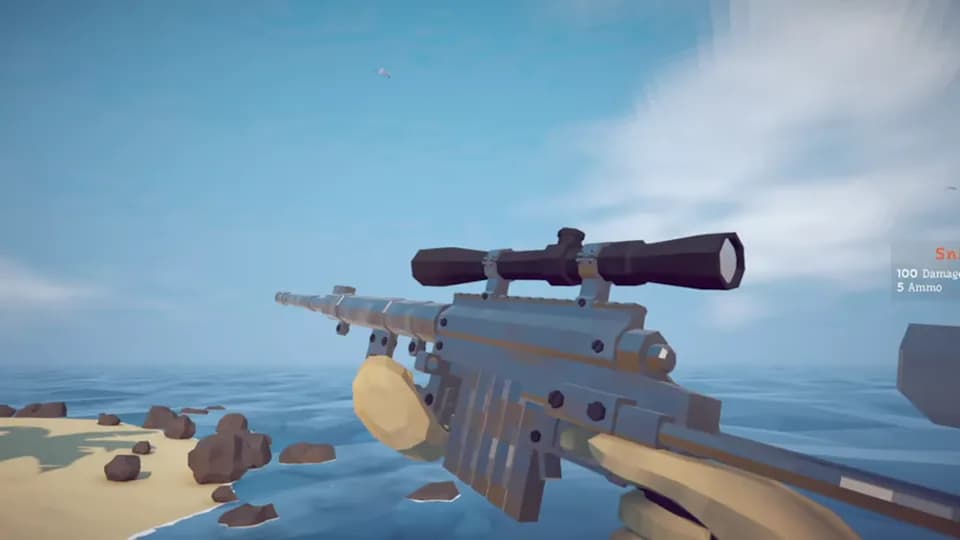
How to Fish autosaves every minute and saves when you press Save, return through Main Menu, or use Quit. Patch 1.0.10 also preserves up to 64 dropped ground items between sessions, prioritizing weapons, tools, quest items, and creatures when the limit is reached.
Confirmed save behavior
| Action or object | Confirmed behavior |
|---|---|
| Automatic interval | Saves every minute |
| Save button | Writes a save |
| Main Menu button | Writes a save |
| Quit button | Writes a save |
| Application crash | Does not write the server or local save during the crash |
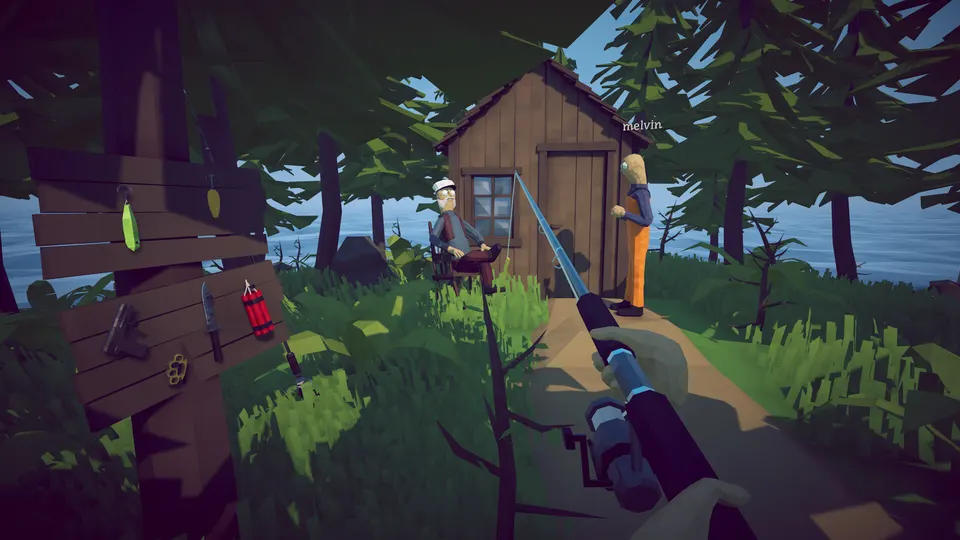
| Dropped ground items | Saves up to 64, with priority for weapons, tools, quest items, and creatures |
Use the in-game Save command before leaving, then exit through Main Menu or Quit. Force-closing the application relies on the most recent completed save and can discard progress made after it.
What the 64-item limit means
The Patch 1.0.10 note applies to items dropped in the world, not to an unlimited storage container or a guarantee that every object will persist. Once more than 64 eligible objects are on the ground, lower-priority items can fall outside the saved set. Pick up critical equipment and finish quest hand-ins instead of using the world as permanent storage.
Weapons, tools, quest items, and creatures receive priority, but the announcement does not publish the exact order within each group or a player-facing counter. Keep irreplaceable items in controlled inventory slots and save before ending the session.
Patch 1.0.10 also attempted to stop equipped inventory items spawning far away and items falling through the world after loading or joining. Because the developer used cautious language, record the build and reproduction steps if the problem continues.
Why crash saving changed
Patch 1.0.6 added save validation before loading and stopped saving during a crash, reducing the chance of writing unstable application state into the server or local save. It also addressed invalid loading that could show fake servers named “Game Name.”
Patch 1.0.9 attempted another corrupted-save fix. Dazed Games asks players who still cannot load a save, or whose game crashes while equipping weapons, to follow the official Community Discord guidance. The patch history retains the developer's attempted-fix wording.
Save location and Steam Cloud status
The reviewed official announcements do not publish a Windows save-folder path. Do not delete a community-reported folder as a first repair step; identify the current profile and build and make a separate backup before touching files.
The current Steam store metadata lists Save Anytime but does not list Steam Cloud support. Do not assume cloud synchronization will restore a damaged or overwritten local save; official cloud support remains Unknown until the store or developer documents it.
If a save will not load
Install the newest patch, restart Steam, and try loading again before changing files. If the failure continues, record the game version, whether local or hosted progress is affected, and whether equipment is missing or spawning far away. The version is printed in player.log as of Patch 1.0.10.
Do not delete the save as a first troubleshooting step. The official notes confirm validation and corruption fixes but do not publish one universal repair procedure. For a black screen that appears only while joining another player, use the multiplayer black-screen guide.
What the structured record says
- developer
- Dazed Games
- publisher
- Dazed Games
- release Date
- 2026-08-20
- platform
- Windows PC via Steam